Change 360 Spin Settings in Bulk with Profiles
 By Marc Bonne, Customer Success TeamUpdated
Short answer
Save your 360 spin settings, such as size, speed, design and watermark, in a profile. Create it on your Profiles page, preview it on a spin, and save. Then add ?profile=name to any spin URL, or pick the profile in Sirv's WordPress, Magento or PrestaShop plugin. Changing the profile updates every spin that uses it.
After reading this you will know
- How to create a profile for your spins
- How to apply it by URL or in a plugin
- How to change the default settings for every spin
Control how your 360 spins look and feel by saving your settings in a profile. Profiles can change the size, speed, design, watermark and behavior of your spins in seconds.
Easy to create, profiles empower you to refine your spins whenever you like, without having to alter any code in your pages.
Video tutorial
Section titled “Video tutorial”Create a profile
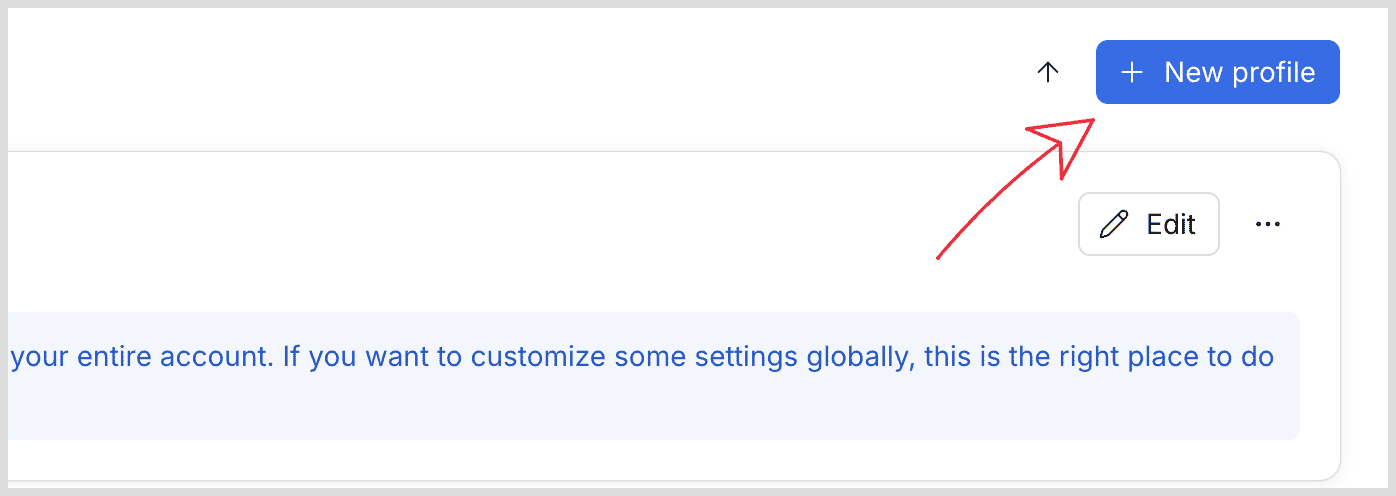
Section titled “Create a profile”- Go to your Profiles page and click New profile:
- Give your profile a name.
- Click “Add image or spin” in the preview panel on the right and pick a spin. The preview updates as you change options.
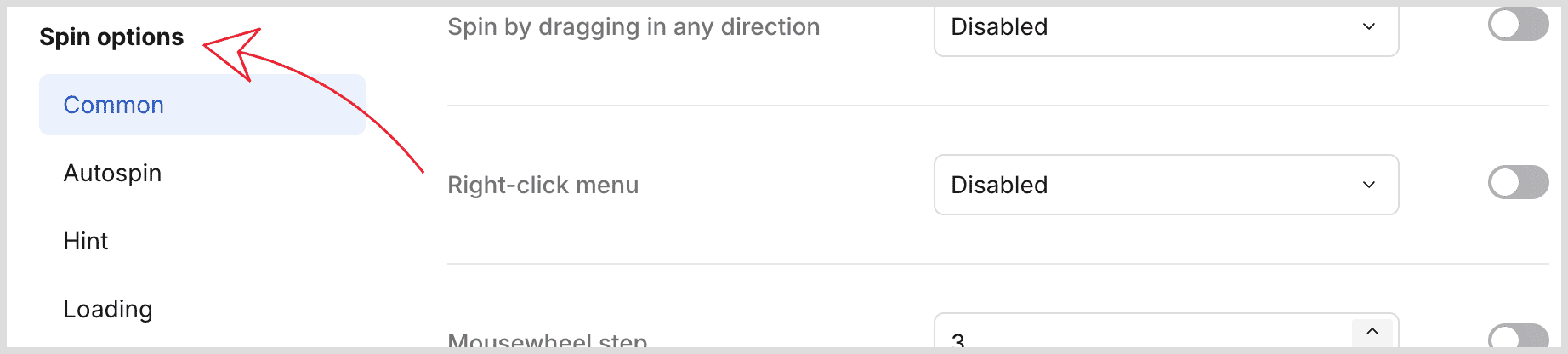
- Spin settings are under Spin options in the left menu: Common, Autospin, Hint and Loading. Turn on the switch next to each option you change.
- Click Save changes.
Apply the profile
Section titled “Apply the profile”Via the URL
Section titled “Via the URL”To apply a profile to a spin, add the profile name to the end of the spin URL using the format below, where XYZ is the name of your profile: ?profile=XYZ
For example, here is a spin URL without a profile: https://sirv.sirv.com/Examples/drill/drill.spin
Here’s the same spin with a profile named “Example-Text”: https://sirv.sirv.com/Examples/drill/drill.spin?profile=Example-Text
The two spins look like this:
ORIGINAL SPIN
SPIN WITH PROFILE
Via modules
Section titled “Via modules”You can also apply profiles to your spins via our plugins. Here’s a list of plugins that support profiles:
Modify default spin settings
Section titled “Modify default spin settings”If you want to make changes to all of your spins by sacrificing some of the flexibility profiles give you, you can change the default spin settings.
Keep in mind that these changes are global, and will affect all of your spins. Start using profiles today. They’ll save you time and give you incredible control over your 360 spin settings.