Image Blur
 By Jake Brumby, Customer Success DirectorUpdated
Short answer
Add blur to the image URL to blur it, for example ?blur=100. The scale runs from 0, the default with no blur, to 100. At the maximum, the original image can't be recognized, which works well for background or placeholder images. Sirv creates the blurred image instantly and keeps your original unchanged.
After reading this you will know
- How to blur an image from its URL
- Which values to use for a light or full blur
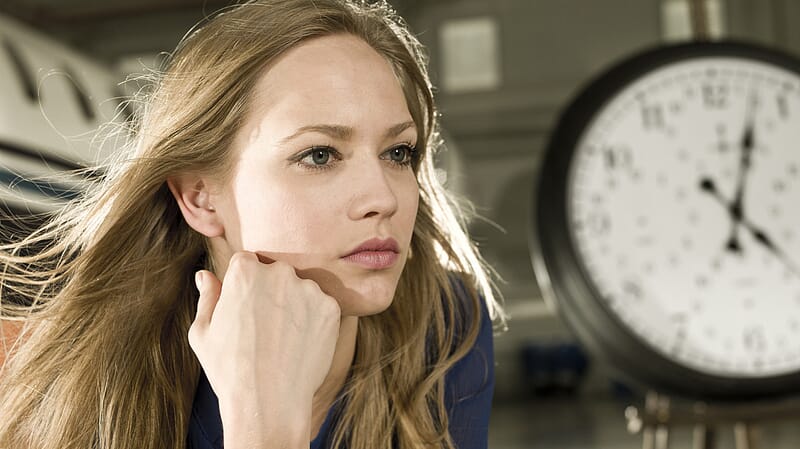
Add blur to an image URL to blur it, on a scale from 0 (the default, no blur) to 100. Try it in the demo below.
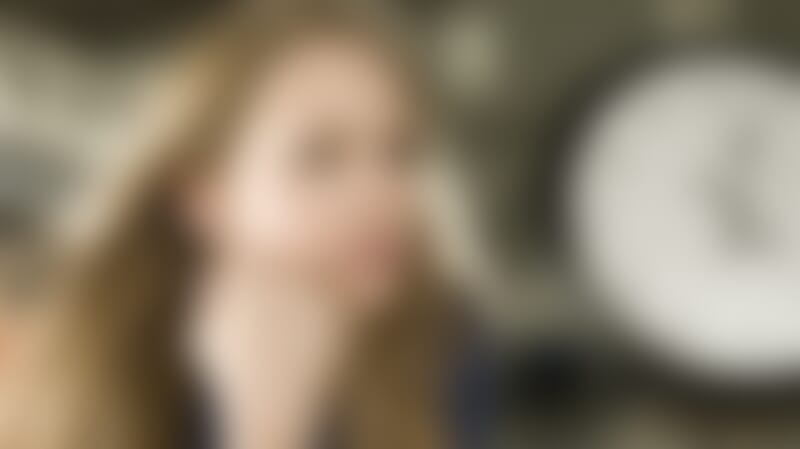
At maximum blur, the original image is unrecognisable and is a popular effect for background or placeholder images.
https://demo.sirv.com/look.jpg
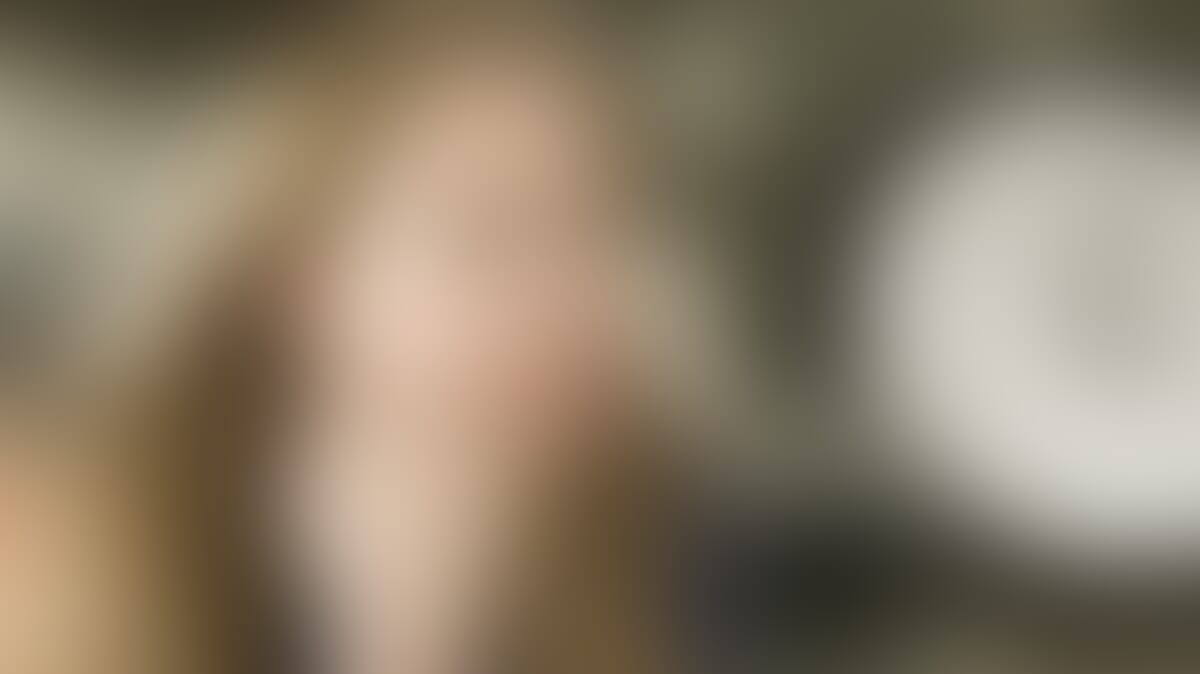
Lower values, such as 5 to 20, give a soft blur that keeps the image recognisable.