Colorize Image
 By Jake Brumby, Customer Success DirectorUpdated
Short answer
Add colorize.color to the image URL to wash one color over the whole image, using a hex code or an HTML color name. Set its strength with colorize.opacity, from 0 to 100, for example ?colorize.color=sandybrown&colorize.opacity=30. The default color is black at full opacity.
After reading this you will know
- How to wash a color over an image from its URL
- How to set the color and its strength
Wash one color over a whole image by adding colorize to its URL. Try it in the demo below.

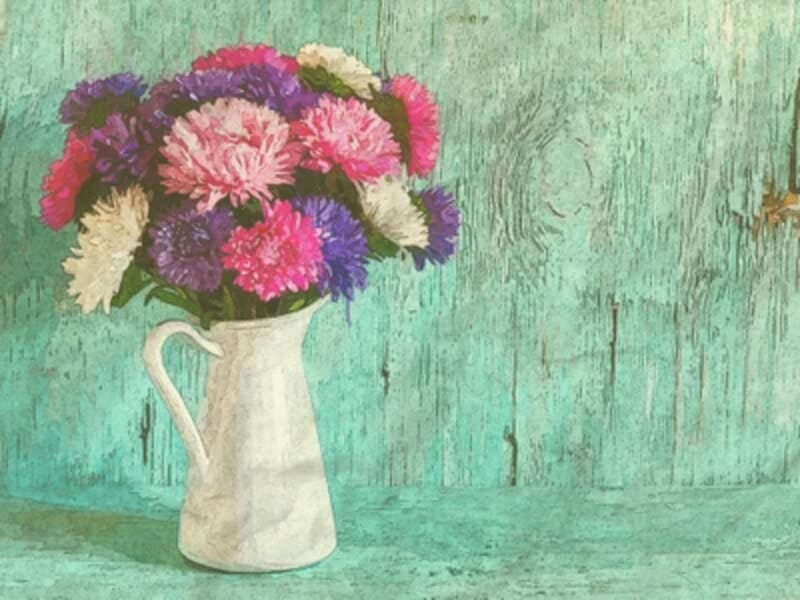 OriginalWith options
EDE890colorize.color - sets the color to be overlaid, which is black by default. It can be any hex color or HTML color name.
colorize.opacity - regulates the opacity of the color from 0-100, with a default of 100%. This example applies the HTML color brown at 30% opacity:
https://demo.sirv.com/vase.jpg?colorize.color=sandybrown

This example applies the hex color 317bba at 40% opacity:
https://demo-cdn.sirv.com/vase.jpg?colorize.color=317bba
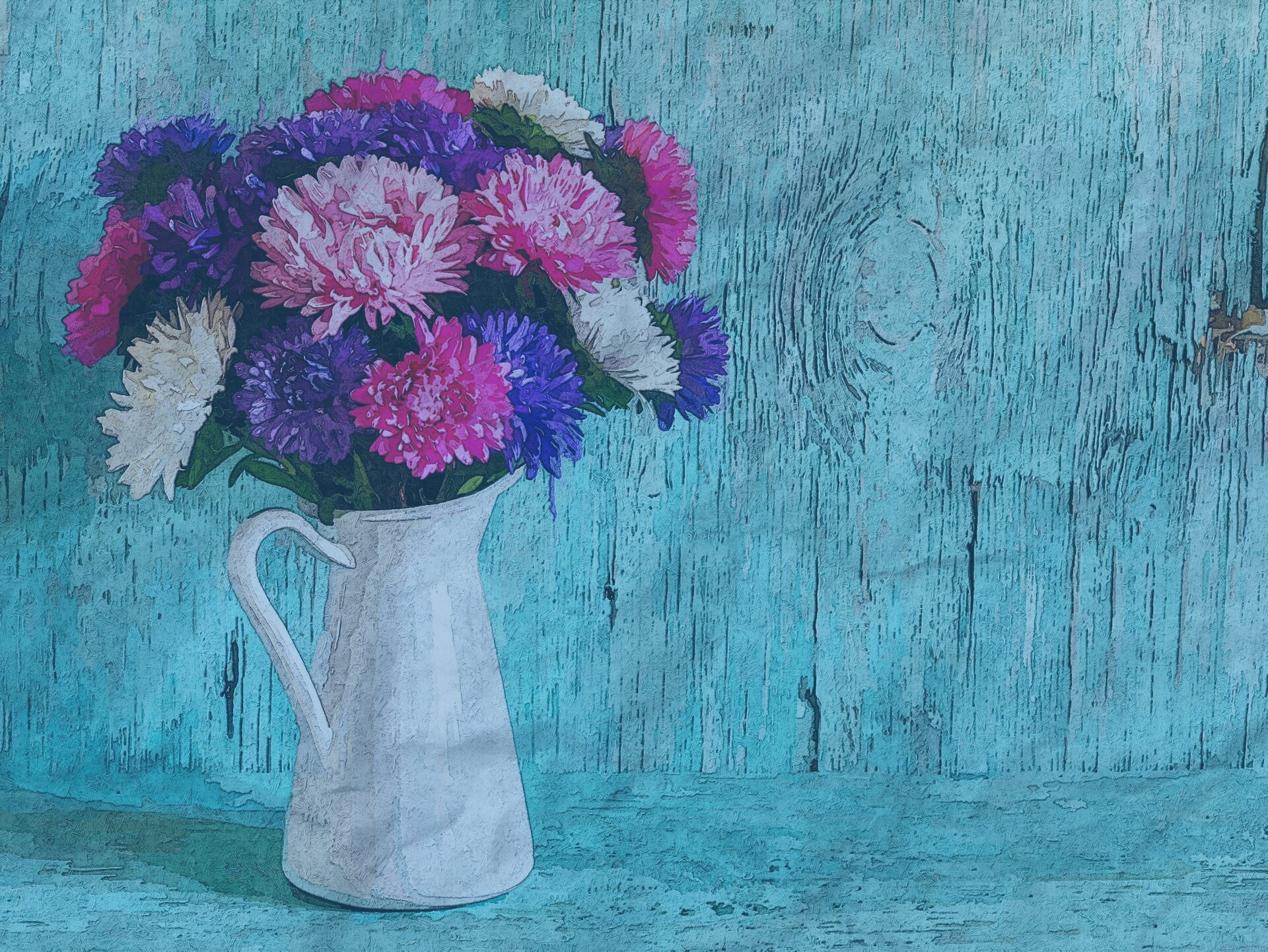
Lower the opacity for a subtle tint, or raise it to make the color dominate the image.