Brightness
 By Jake Brumby, Customer Success DirectorUpdated
Short answer
Add brightness to the image URL to make it lighter or darker, for example ?brightness=20 or ?brightness=-20. The scale runs from -100, very dark, to 100, very bright, and the default is 0. Sirv creates the adjusted image instantly from your original, so the file in your account stays unchanged.
After reading this you will know
- How to brighten or darken an image from its URL
- Which values to use, and what the default is
Make any image lighter or darker by adding brightness to its URL. Move the slider in the demo to see the result, then copy the URL it builds.
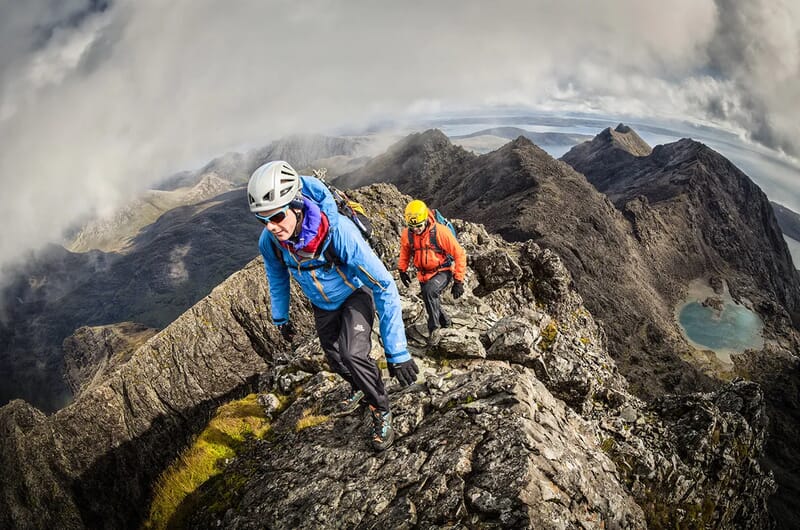
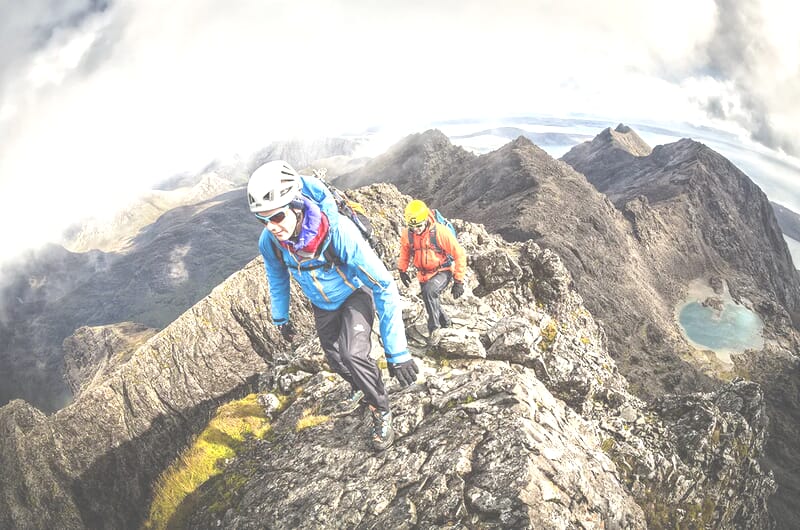
brightness is set on a scale from -100 (very dark) to 100 (very bright opaque). The default is 0.
https://demo.sirv.com/puppy.jpg
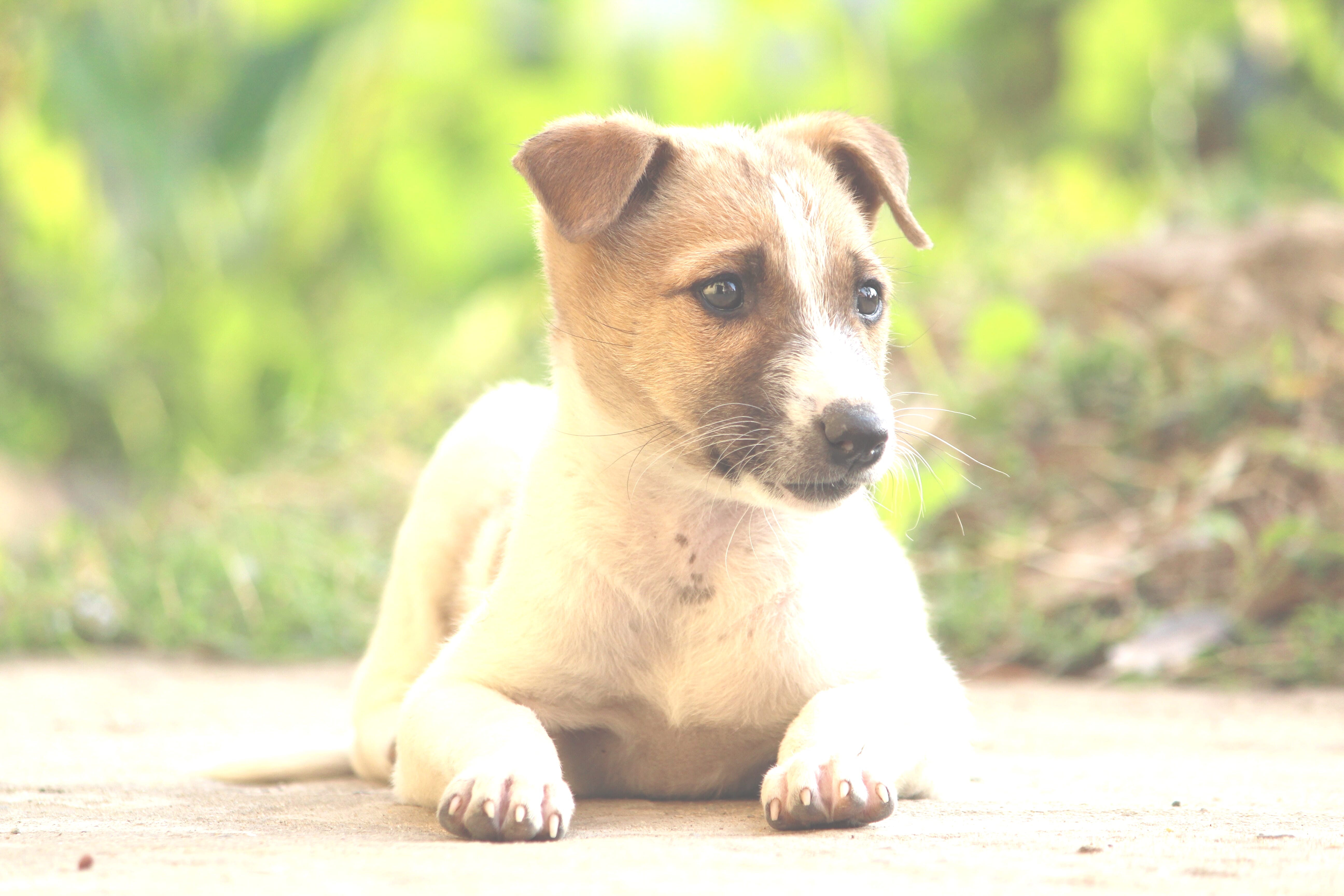
https://demo.sirv.com/puppy.jpg
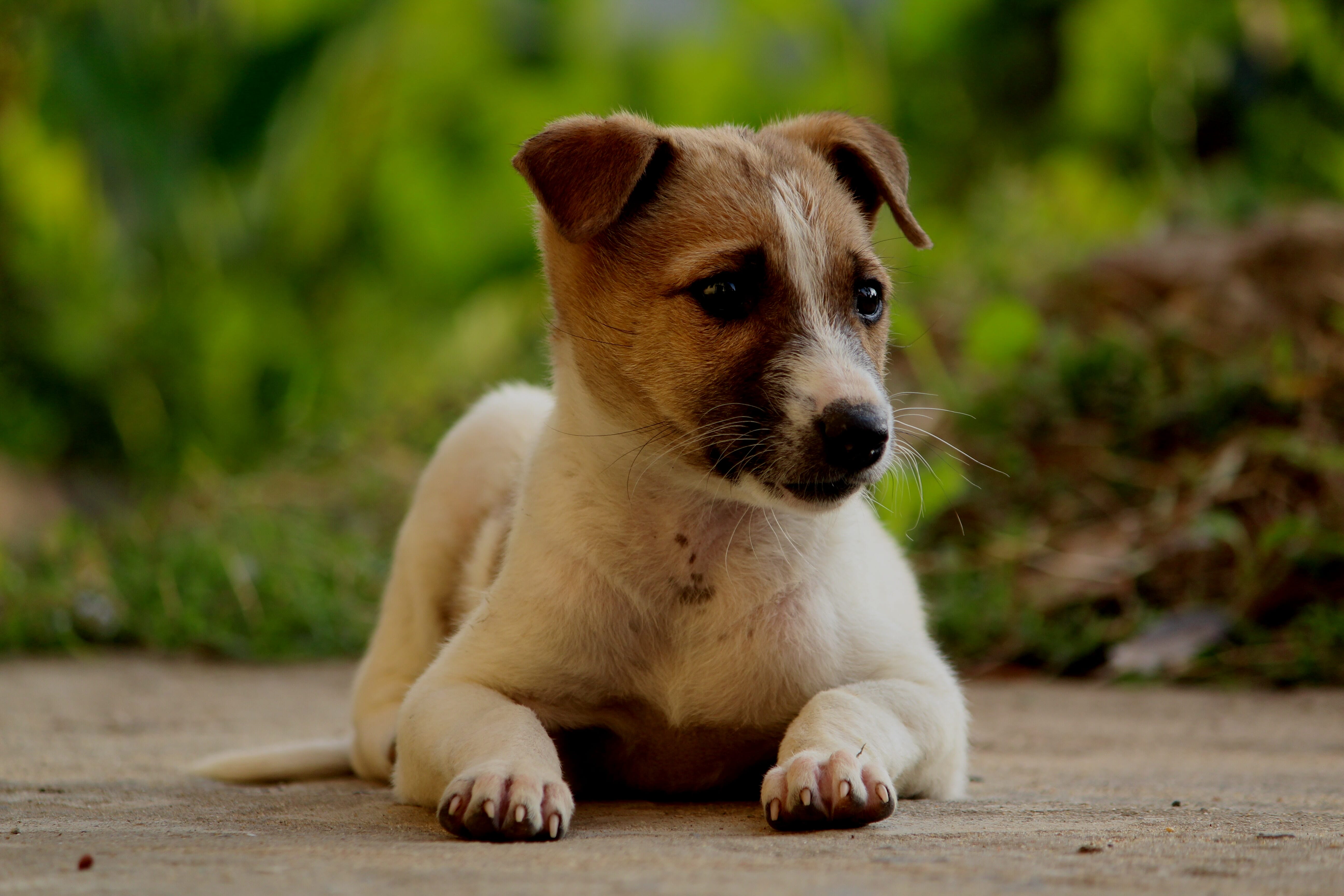
Small changes, between -20 and 20, are usually enough to correct a photo that is too dark or too bright.