Point-of-Interest Crop
 By Jake Brumby, Customer Success DirectorUpdated
Short answer
Add crop.type=poi to the image URL, and Sirv finds the most interesting part of the image and crops into it. Set the crop size with ch for height and cw for width. To see where Sirv found the point of interest, add crop.dev=1 to the URL.
After reading this you will know
- How to crop an image to its most interesting part
- How to set the crop size
- How to see where the point of interest is
Automatically identify the most interesting part of the image and crop into it. This machine learning crop algorithm gives you instant creative direction.
Padding and scale options4
Set crop.type to poi. Example:
https://demo.sirv.com/deer.jpg?crop.type=poi
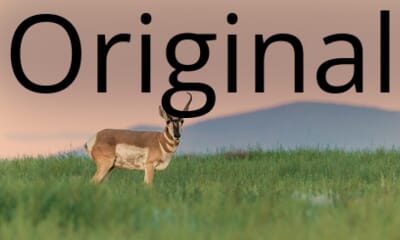
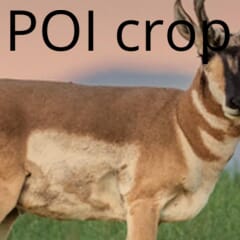
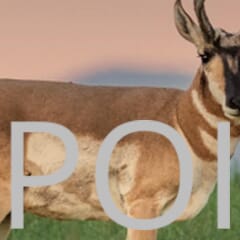
Control the crop using ch and cw.
https://demo.sirv.com/deer.jpg

Find out where the POI is by adding &crop.dev=1 to the URL, for example:
https://demo.sirv.com/deer.jpg
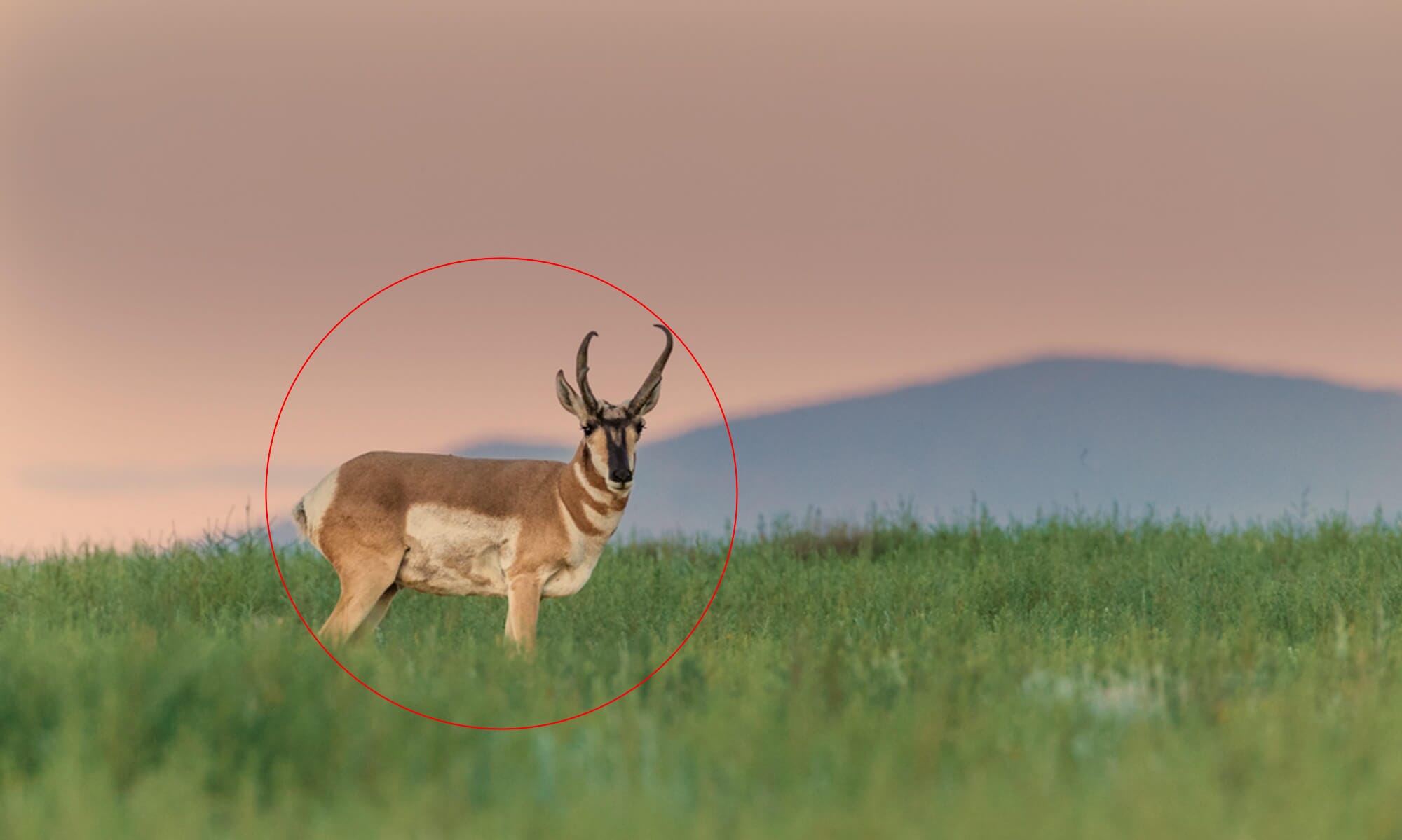
If the crop misses the most important part of the image, move the point of interest and Sirv crops around it.