Add Frame to Image
 By Jake Brumby, Customer Success DirectorUpdated
Short answer
Add frame options to the image URL to put a border around it. Choose the look with frame.style: solid, the default, or mirror, edge or dither. Then set frame.color and frame.width, which defaults to 5%. A thin inner rim, white by default, can be changed with frame.rim.color and frame.rim.width.
After reading this you will know
- How to add a frame to an image from its URL
- Which frame styles there are
- How to set the frame and rim color and width
Add borders and effects around your images by applying the frame option.
Frames can have different styles, from a plain solid color around the image to styles that bring elements of the image into the frame.

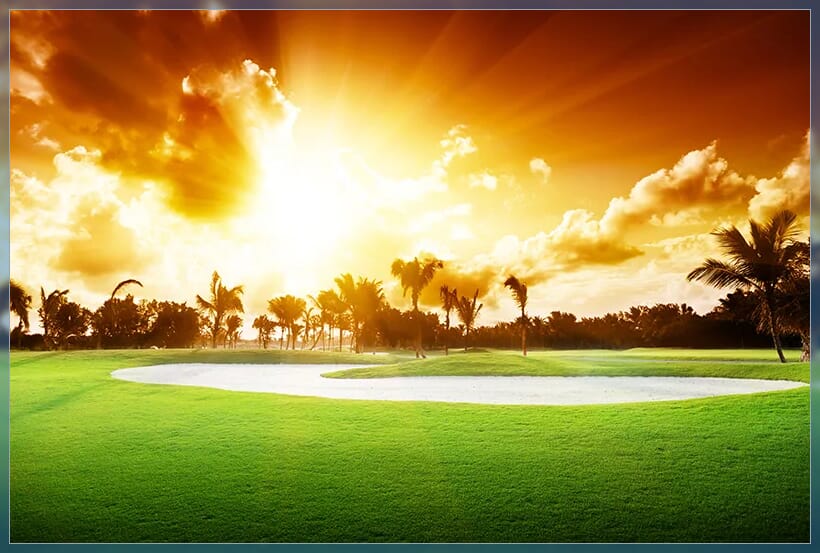
327BBA97A6B1Frame style
Section titled “Frame style”frame.style - sets the type of frame that surrounds the image. Acceptable values are solid, mirror, edge, dither, none. The default value is solid.
https://sirv.sirv.com/Examples/test-sky.jpg?frame.style=solid

mirror - creates a “silvered” semi-opaque frame around the image, allowing some of the image to be seen underneath. The underlying image is a mirror reflection of the nearby image.
https://sirv.sirv.com/Examples/test-sky.jpg?frame.style=mirror

edge - creates a “silvered” semi-opaque frame around the image, and blurs the edges of the image underneath the frame.
https://sirv.sirv.com/Examples/test-sky.jpg?frame.style=edge

dither - creates a “silvered” semi-opaque frame around the image, and “feathers” the image under the frame.
https://sirv.sirv.com/Examples/test-sky.jpg?frame.style=dither
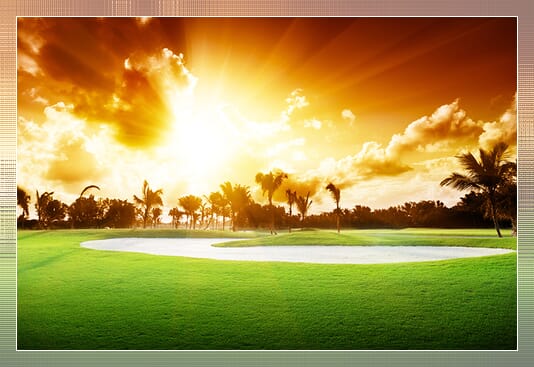
Frame color
Section titled “Frame color”frame.color - sets the color of the surrounding frame. The values are set with hex RGB/RGBA or a color name. The default value is ‘black’.
https://sirv.sirv.com/Examples/test-sky.jpg

The example below uses the same color as above, with the ‘mirror’ style:
https://sirv.sirv.com/Examples/test-sky.jpg?frame.style=mirror

Frame width
Section titled “Frame width”frame.width - sets the width of the surrounding frame, in pixels or percentage (%). The default value is ‘5%’.
https://sirv.sirv.com/Examples/test-sky.jpg
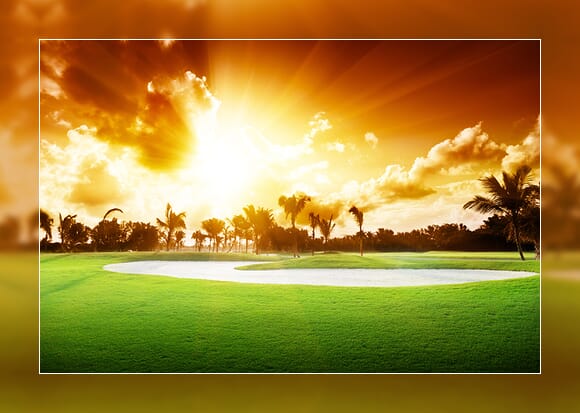
Rim color
Section titled “Rim color”frame.rim.color - sets the color of the inner edge of the surrounding frame. The values are set with hex RGB/RGBA or a color name. The default value is ‘white’. The example below has been changed to black.
https://sirv.sirv.com/Examples/test-sky.jpg
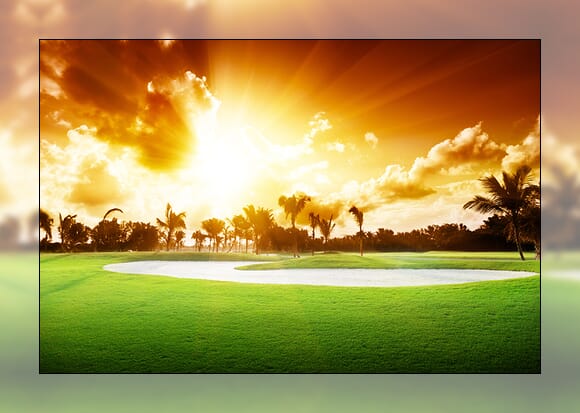
Rim width
Section titled “Rim width”frame.rim.width - sets the width in pixels or percentage (%) of the inner edge of the surrounding frame. The default value is ‘1’.
https://sirv.sirv.com/Examples/test-sky.jpg
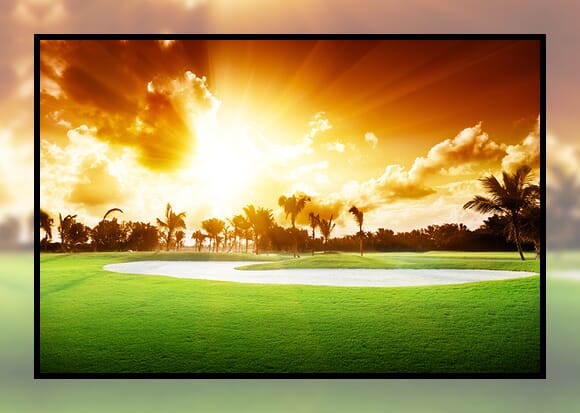
Combine the frame style, color, width and rim options to create the frame you need.