Multiple 360 Spins
 By Marc Bonne, Customer Success TeamUpdated
Short answer
You can show as many 360 spins on one page as you like, and a gallery keeps them tidy: one viewer with a thumbnail for each spin. Upload the spins to your Sirv account, then add one Sirv div that holds a div for each spin. The Sirv Media Viewer generator builds the code for you.
After reading this you will know
- How to show several 360 spins in one gallery
- How to build the gallery code with the generator
You can embed as many 360 spins on your page as you wish. A gallery is a popular way to embed multiple spins.
Gallery demo
Section titled “Gallery demo”The gallery below shows 7 spins, keeping them neatly organized:
Implementation
Section titled “Implementation”Follow the steps below to replicate the example above. 1. Create your spins in your Sirv account. You can store them all in one folder or put each spin in its own folder:
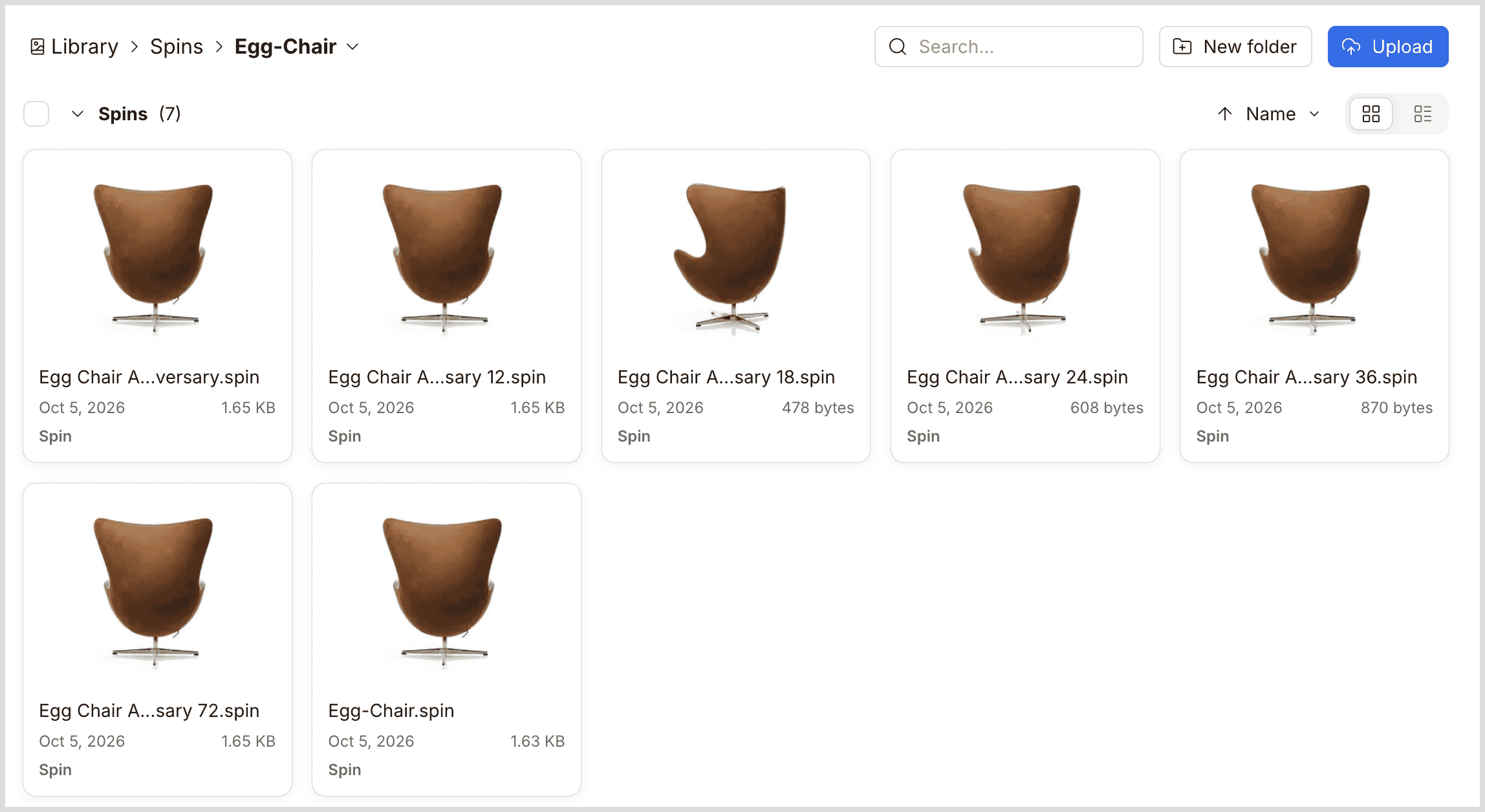
2. The multiple 360 slider and its thumbnails were inserted using this code:
<div class="Sirv" data-options="slide.animation.type:slide; slide.animation.duration:600"> <div data-src="https://sirv.sirv.com/website/demos/shuwish/DARCY_GREEN_SUED_3/DARCY_GREEN_SUED_3.spin"></div> <div data-src="https://sirv.sirv.com/website/demos/shuwish/DARCY_RED_SUED_3/DARCY_RED_SUED_3.spin"></div> <div data-src="https://sirv.sirv.com/website/demos/shuwish/DARCY_YEL_SUED_3/DARCY_YEL_SUED_3.spin"></div> <div data-src="https://sirv.sirv.com/website/demos/shuwish/DARCY_VIO-PURP_SUED_3/DARCY_VIO-PURP_SUED_3.spin"></div> <div data-src="https://sirv.sirv.com/website/demos/shuwish/DARCY_MULTI_GLITT_3/DARCY_MULTI_GLITT_3.spin"></div> <div data-src="https://sirv.sirv.com/website/demos/shuwish/DARCY_SILV_GLITT_3/DARCY_SILV_GLITT_3.spin"></div> <div data-src="https://sirv.sirv.com/website/demos/shuwish/DARCY_NAVY_PAT_3/DARCY_NAVY_PAT_3.spin"></div></div>3. Reference the sirv.js script before your </head> tag if possible, otherwise somewhere in the body of your page:
<script src="https://scripts.sirv.com/sirvjs/v3/sirv.js"></script>Create your own slider
Section titled “Create your own slider”Use the Sirv Media Viewer generator to create your own gallery slider with 360 spins, videos and image zooming. Each spin keeps its own hotspots and watermark, and a profile changes the settings of them all at once.
Create an account
Section titled “Create an account”If you don’t already have a Sirv account, get started now.