Change Image Light
 By Igor Varyvoda, Head of Sirv StudioUpdated
Short answer
Sirv can change the light in an image from its URL, with no Photoshop needed. Options such as brightness, exposure, contrast, highlights, shadows, lightness and color levels can give you a pure white background, deeper blacks or a brighter photo. Each option has its own page, listed below.
After reading this you will know
- Which options change the light in an image
- Where to find each light option
Sirv can fix the light in an image from its URL: brighter, darker, more contrast or deeper shadows. Try the options together in the demo below.
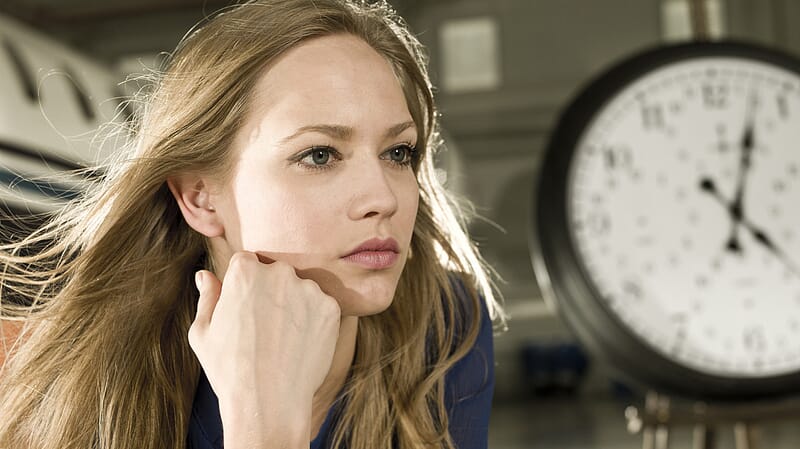
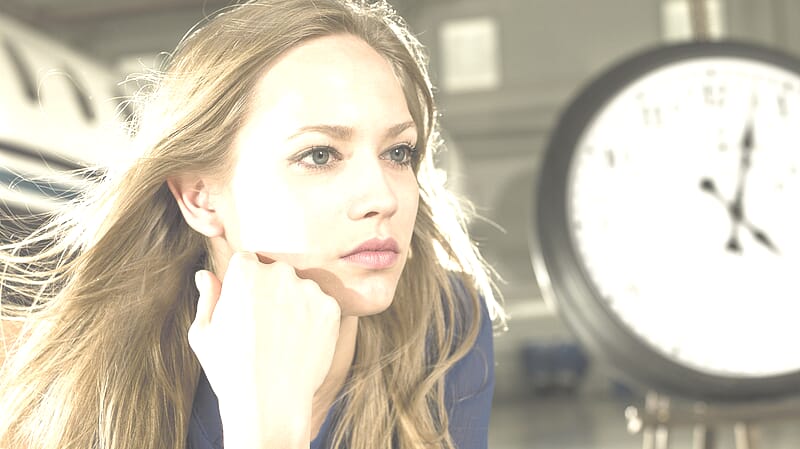
Light is an essential part of images, by using Sirv’s dynamic imaging options you can alter your images by simply changing the URL, without PhotoShop and other image editing tools.
Some practical usage examples include, but are not limited to:
- Achieving a perfect white background
- Getting blacker blacks
- Making your images brighter
Sirv has seven options for the light in an image, each with its own page:
- Brightness: make the whole image lighter or darker
- Contrast: make light and dark parts stand apart more, or less
- Exposure: fix an underexposed or overexposed photo
- Highlights: bring out or soften the brightest parts
- Shadows: lift detail from the dark parts, or deepen them
- Lightness: fade the image towards white or darken it towards black
- Color levels: set the white and black points and the tonal range
You can combine any of them in one URL, as the demo above shows.