Batch Rename Images
 By Olha Kersting, Head of MarketingUpdated
Short answer
To rename many images at once, select them and rename with a right click in Windows or macOS, or use a free batch renamer such as Bulk Rename Utility, NameChanger or GPRename. Renaming before you upload keeps 360 and 3D spin frames in the right order and lets you add keywords to file names for SEO.
After reading this you will know
- Why renaming images before upload helps spins and SEO
- Which free and paid batch rename programs work on Windows, Mac and Linux
Batch renaming your images before you upload them will help you create 360 spins and 3D spins as you intended. Sirv builds a spin automatically when the file names in a folder hold a sequence of at least 8 numbers, so number the frames in shooting order.
Mass rename tools can also be helpful for adding keywords to your image files, improving your SEO.
You can rename files one-by-one in the Sirv web app, but when renaming many images, it’s faster to use a batch rename program.
Batch image renaming software list
Section titled “Batch image renaming software list”| Program | Platform | Replace | Insert | Delete | Number | Meta | Price |
|---|---|---|---|---|---|---|---|
| File Renamer Basic | Windows | Free | |||||
| Bulk Rename Utility | Windows | Free | |||||
| MacOS | Mac | Free | |||||
| NameChanger | Mac | Free | |||||
| Renamer | Mac | $19 | |||||
| GPRename | Linux | Free | |||||
| pyRenamer | Linux | Free | |||||
| Métamorphose | Windows/Mac/Linux | Free |
Mass rename images on Windows
Section titled “Mass rename images on Windows”You can batch rename images in Windows by selecting (Shift+click or Ctrl+click to select several files; Ctrl+A to select all) and pressing right-click > “Rename”.
Your file names will look like image (1), image (2), image (3) etc. Sirv will automatically generate a spin named “Spins” upon downloading the renamed images.

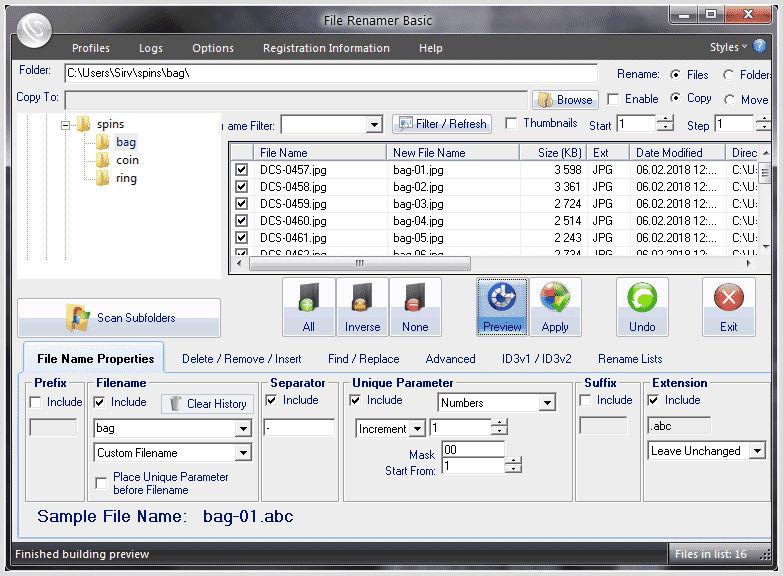
File Renamer Basic is a convenient easy-to-use mass renaming program.
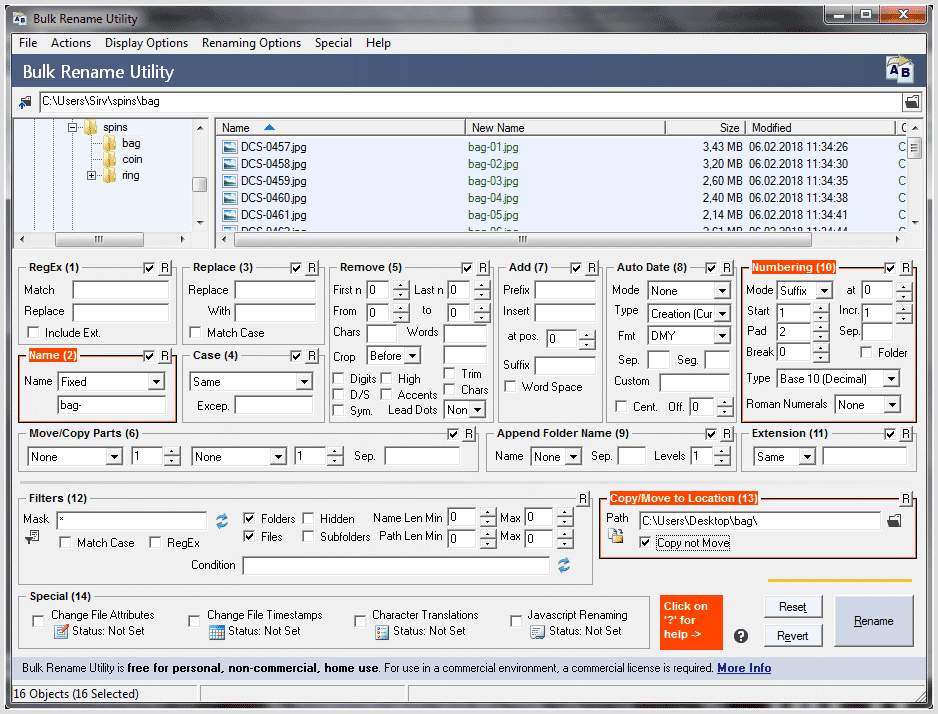
Bulk Rename Utility is another fast batch renamer with lots of options.
Mass rename images on Mac
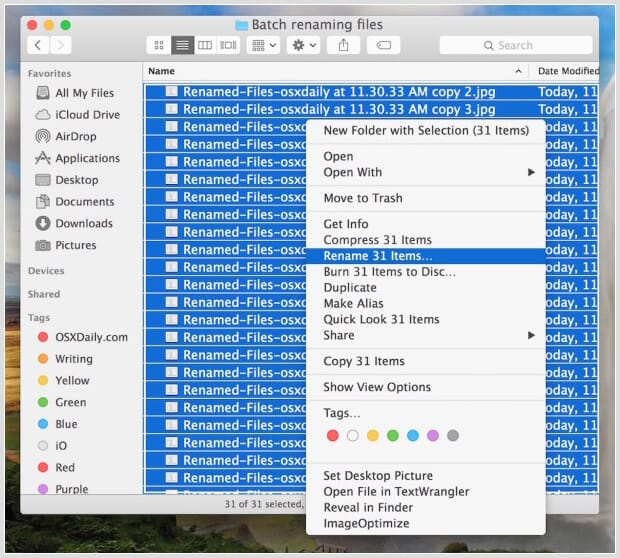
Section titled “Mass rename images on Mac”You can select images in a folder on MacOS (El Capitan or newer) and batch rename with a right click. It takes seconds.
NameChanger is a free Mac program for bulk renaming of files.

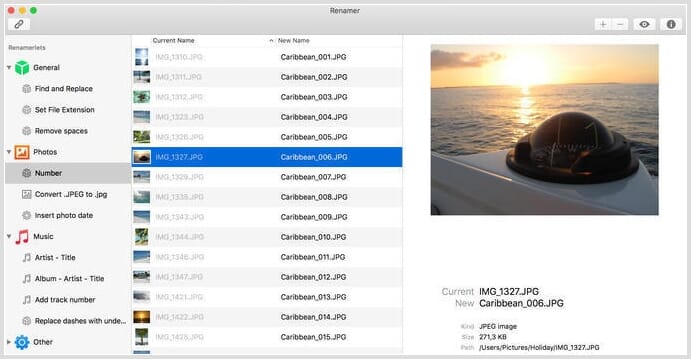
Renamer can mass rename files, plus it can also change EXIF metadata and image creation/modified information.
Mass rename images on Linux
Section titled “Mass rename images on Linux”GPRename is a free Linux file renaming application that batch renames files and directories.

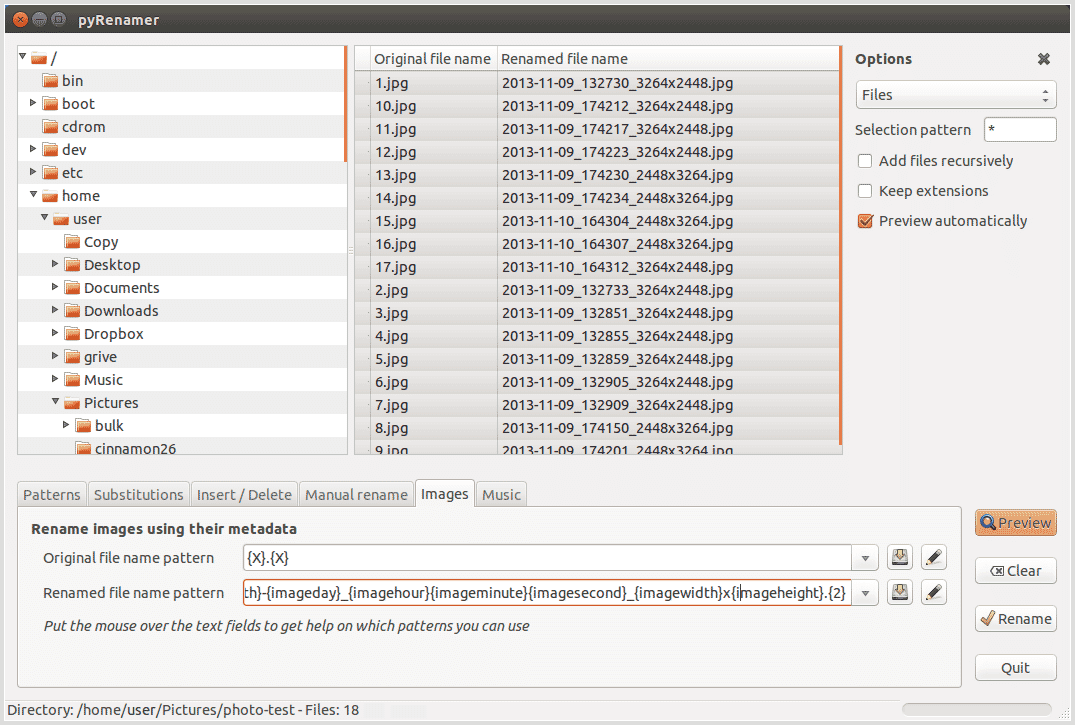
Another free bulk rename software is pyRenamer, which you can install through native package managers like APT or YUM.
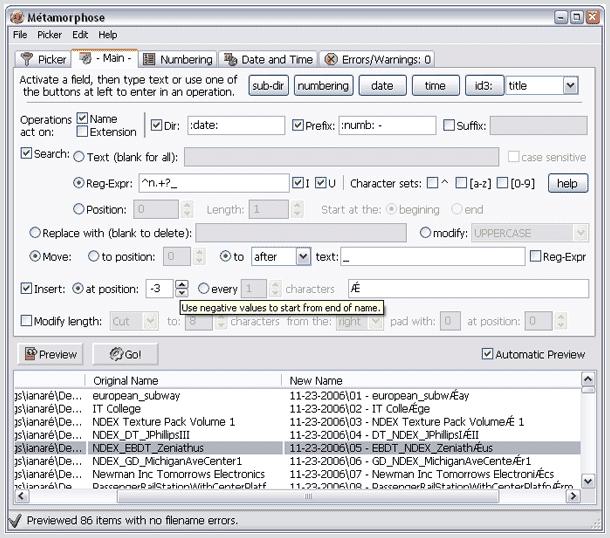
Métamorphose is a free program available for Windows, Mac and Linux.
All three tools are free, so try them on a copy of a few files before you rename a whole folder.