
Short answer
Open Analytics in your Sirv account and look at the top 50 files by traffic. Support most often finds a video served whole from a plain video tag, a bot downloading your files, or images served at full size or as PNG. Fix the file that uses the most first, because it is usually most of the total.
If your Sirv transfer jumped, one file or one visitor usually explains most of it, and Analytics shows which.
What do I do now?
-
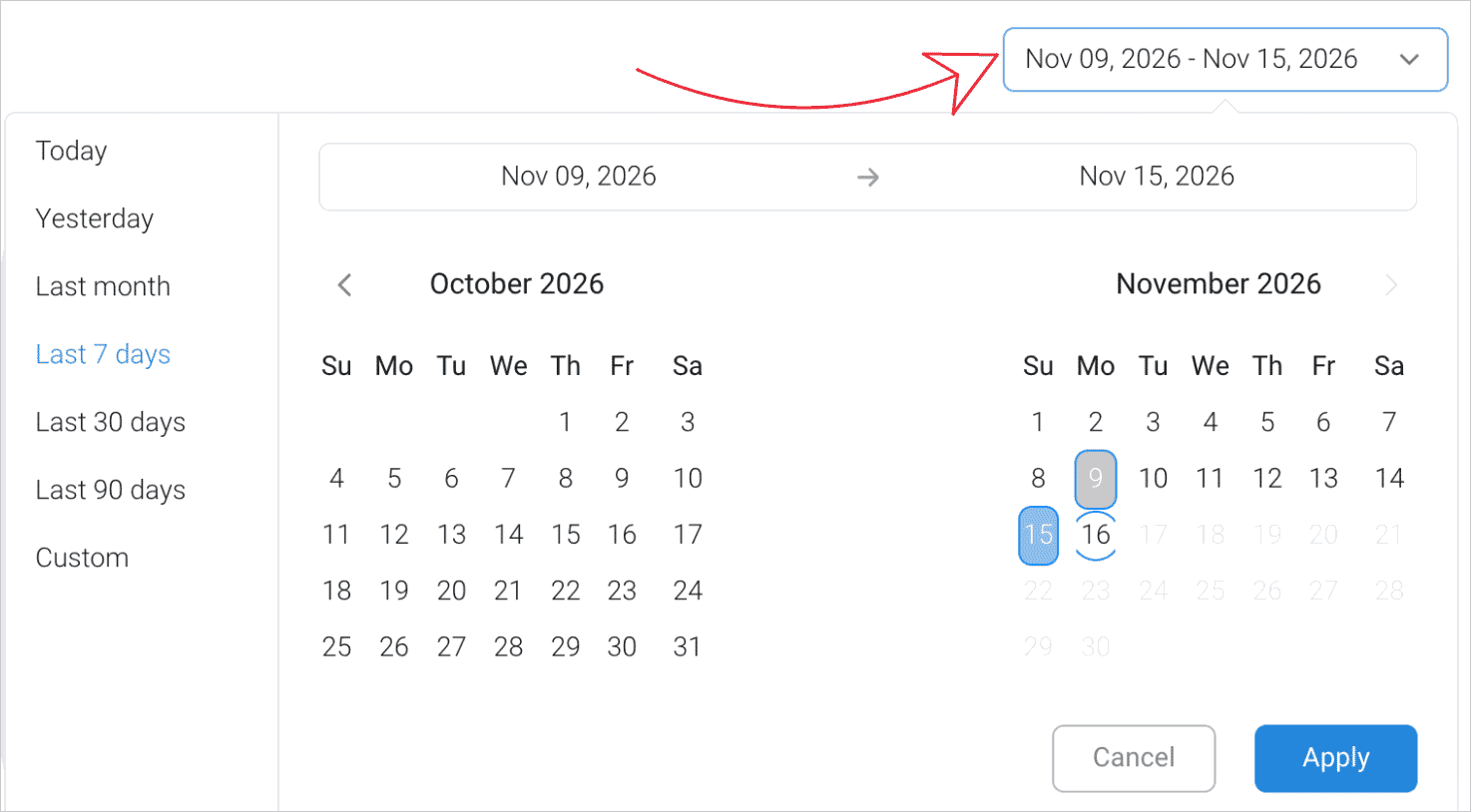
Open the Bandwidth page in Analytics and choose the last 30 days.
-
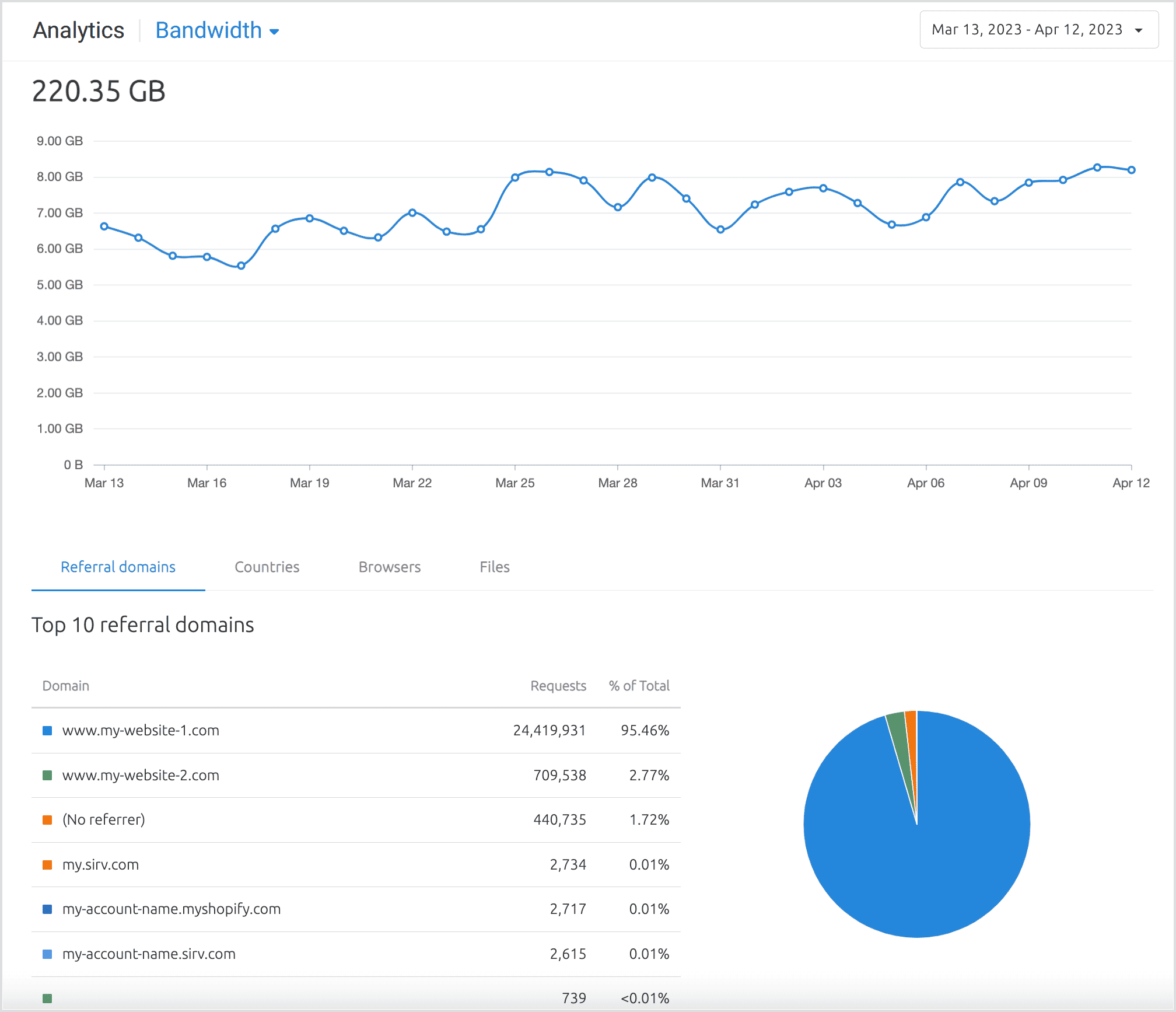
It shows the top 50 files by traffic, and the top 10 sites and countries. Start with the day it went up and the top file.
-
If it’s a video in a plain
<video>tag, every visitor downloads the whole original file, even if they never press play. -
Embed the video with Sirv code instead. Sirv then streams it at the right size, only when the visitor scrolls to it:
<script src="https://scripts.sirv.com/sirvjs/v3/sirv.js"></script><div class="Sirv" data-src="https://demo.sirv.com/video.mp4"></div> -
If you use the Sirv WordPress plugin, turn on its video streaming option. Read more about video streaming.
-
Look for one site or country with far more traffic than your customers would make. That’s often a bot downloading every image on your site.
![The Sirv Analytics Bandwidth page with the top referral domains by traffic]()
-
Block the bot on your own website, for example with your firewall. To stop other websites showing your images, turn on domain protection.
-
Images with no size in the URL download at full size. Add a width such as
?w=800, or use Sirv JS, which sizes them for each screen. -
Open the Profiles page, click Default and set Format to “Optimal”. Each browser then gets its smallest format.
-
If your images rarely change, set the browser cache in the Default profile to 30 days or 1 year. The default is 7 days.
The Help Center explains every Analytics report.
What if my bandwidth is still high?
If a big PDF or other download is linked from your site, every download counts in full. Compress it, or host it somewhere else.
If your traffic really has grown, read which plan gives more bandwidth without more storage.
Ask Sirv support for help with high bandwidth before a second month over the allowance.
Still stuck?
Our support team replies within 24 hours. For plans and pricing, talk to sales.
Was this answer helpful?