How do I create a 360 spin from my product photos?
 Answered by Jake Brumby, Customer Success DirectorLast checked 26 Nov 2026
Short answer
Name the photos with ascending numbers, such as shoe-01.jpg to shoe-36.jpg, and upload them to one folder in your Sirv account. With at least 8 photos in the sequence, Sirv creates the .spin file automatically and names it after the folder. Click the .spin file to copy its embed code or URL.
If you have photos of a product taken all the way round, Sirv can turn them into a 360 spin that shoppers drag to rotate.
How do I turn my photos into a 360 spin?
-
Shoot every photo from the same position and in the same light, turning the product the same amount each time. A turntable makes this much easier.
Sirv recommends 36 photos for most products: they turn smoothly and still load fast. You can use from 8 up to 1,000.
-
Name the photos with ascending numbers, for example
black-dress-01.jpg,black-dress-02.jpgand so on. -
Upload the photos to a new folder, such as
black-dress. You can drag and drop a ZIP file too.Sirv creates the
.spinfile automatically and names it after the folder, so this one isblack-dress.spin. -
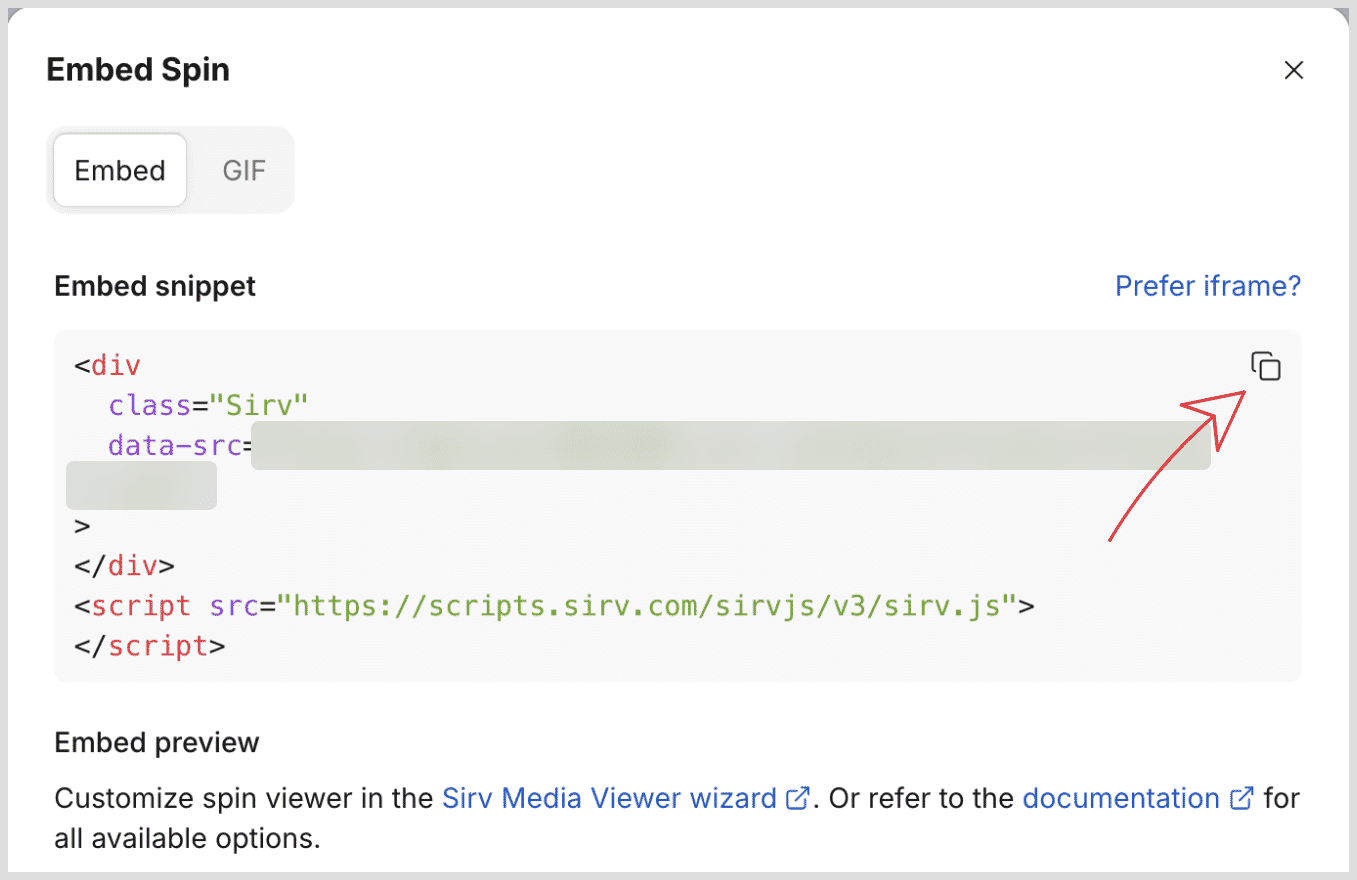
Open the
.spinfile to see it turn, then click Embed, copy the code and paste it into your page.![The embed code of a .spin file in a Sirv account, with a copy button]()
-
On Shopify, WordPress and other platforms, read how to add a 360 spin to your platform.
The Help Center explains how Sirv creates spin files, including folders that hold more than one sequence.
What if Sirv doesn’t create the spin?
If you have fewer than 8 photos, select them, click “Create Spin” and enter a name. Read how to create a spin from any set of images.
If the names have no number sequence, or the numbers skip, rename the photos and upload them again.
If the spin turns the wrong way, change its direction in the spin’s settings in your Sirv account.
If the spin still isn’t created, send the folder name to Sirv support and they’ll look at it.
Still stuck?
Our support team replies within 24 hours. For plans and pricing, talk to sales.
Was this answer helpful?