Manage WordPress media with Sirv
Sirv can help you get your media asset management to the next level with powerful tools like easy copy/move files and folders, search and tagging.
Uploading media
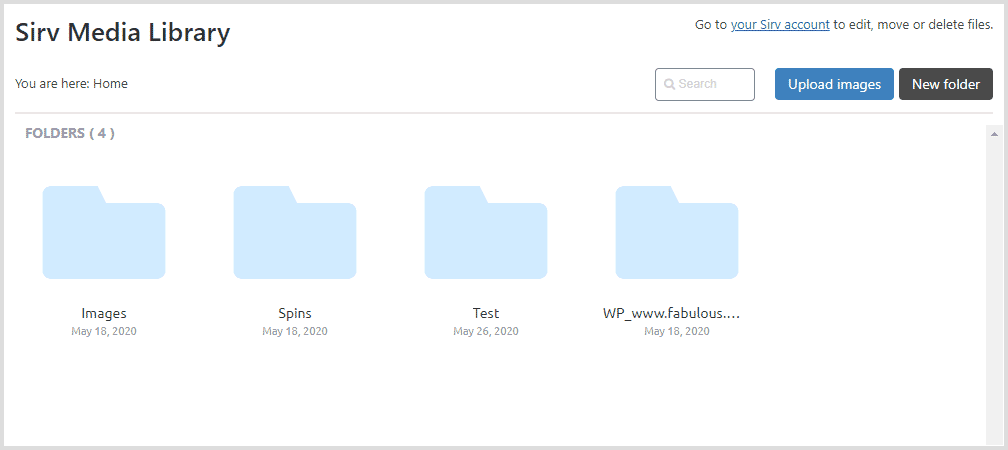
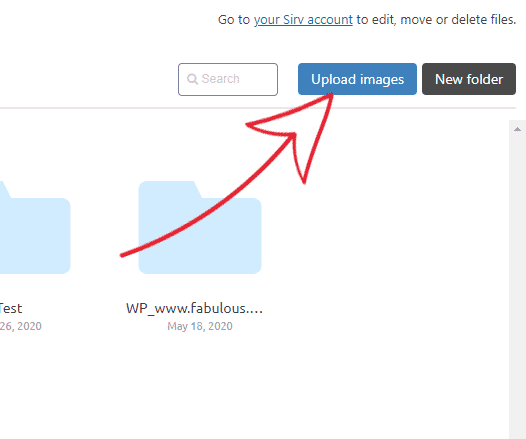
Upload files to Sirv either from your Sirv account or via your WordPress admin panel: "Sirv" > "Media Library", this is how it looks:
Renaming and deleting media
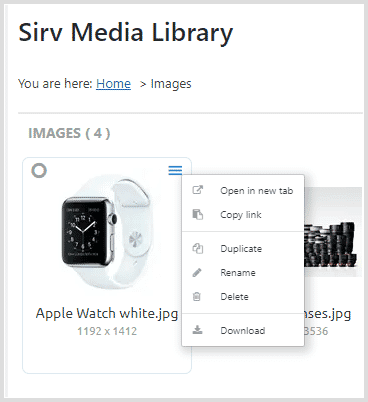
You can rename and delete media in your Sirv media library. Simply right-click a file, or click the dropdown menu icon and choose the action you want to do.
Using search
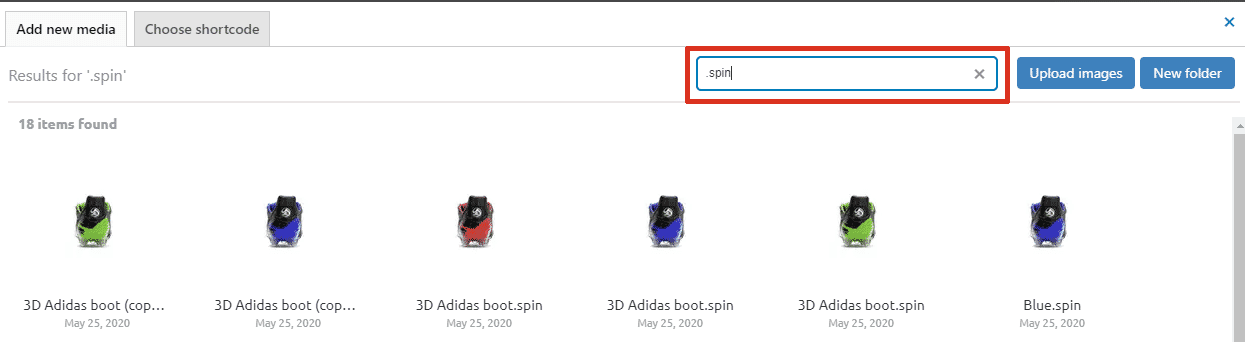
Use the search box to quickly find the files you need.
Help from a Sirv expert
If you have any questions about how to use the Sirv for WordPress plugin, please contact our support team from your Sirv account.