Using Sirv with Elementor
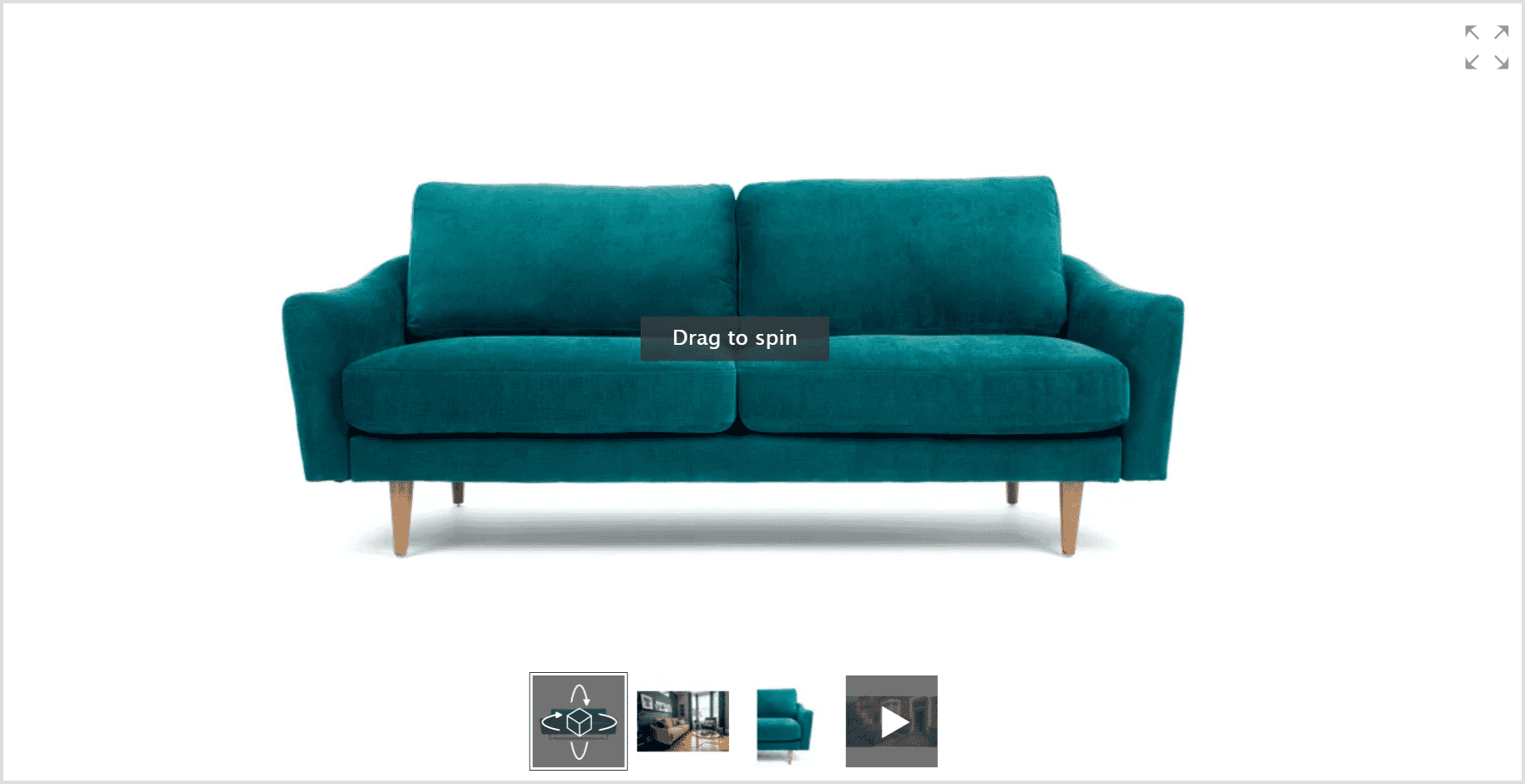
 Easily add 360 spins, images, zooms and videos to your Elementor website. The Sirv widget for Elementor gives you huge creative control to add single items or galleries with thumbnails and sliders via the Elementor Web Page Builder.
How to add images/spins/videos in Elementor
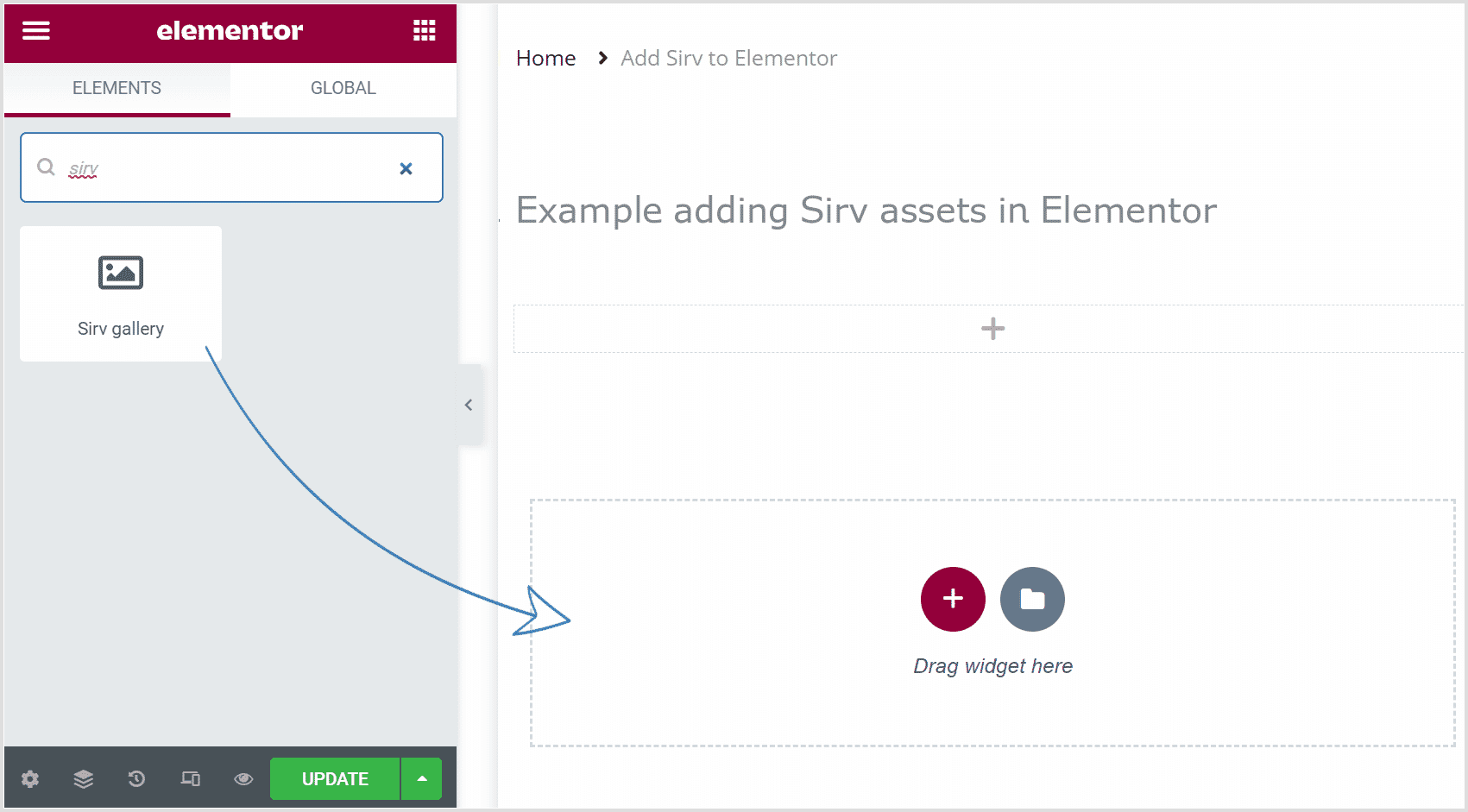
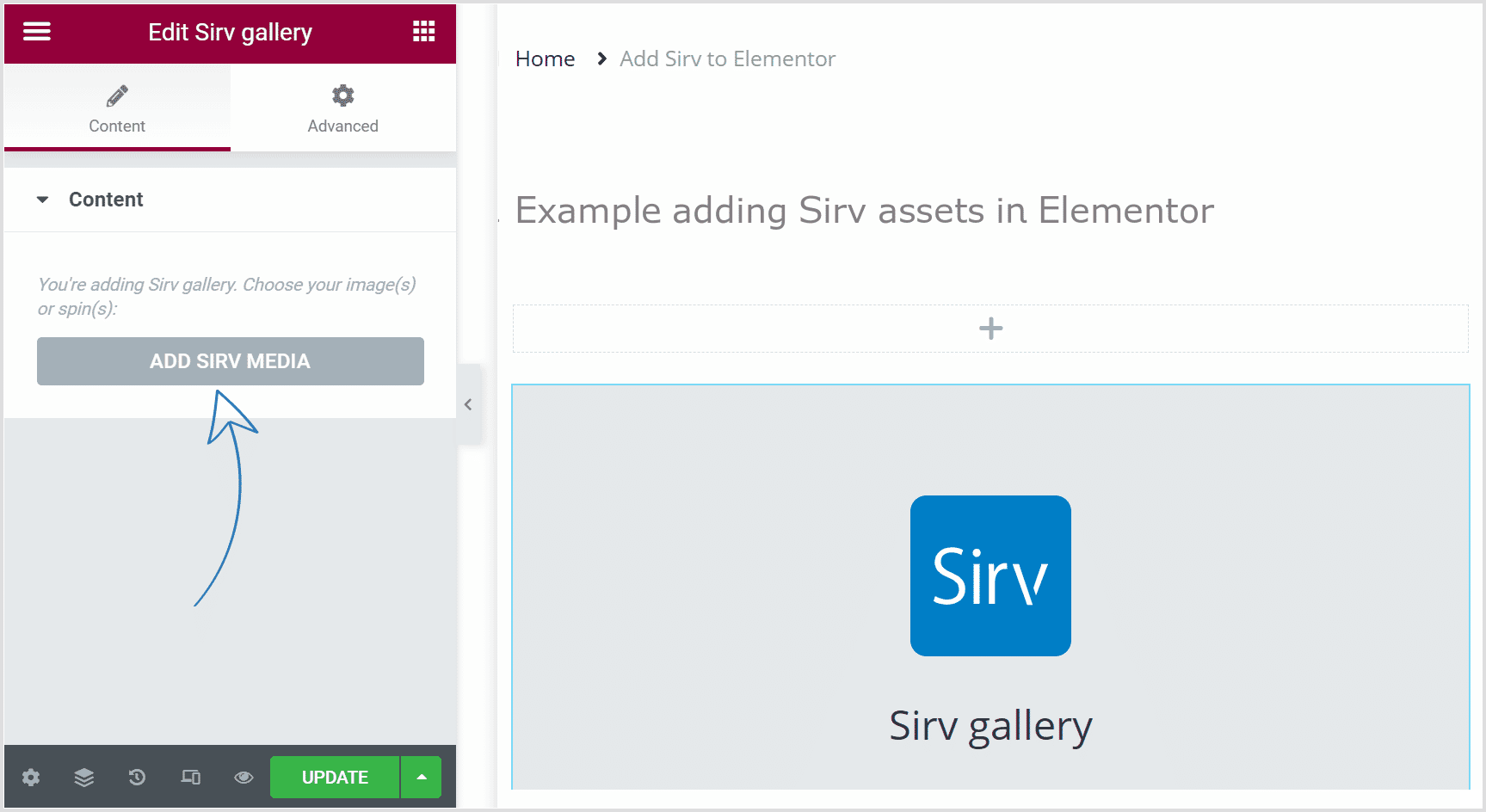
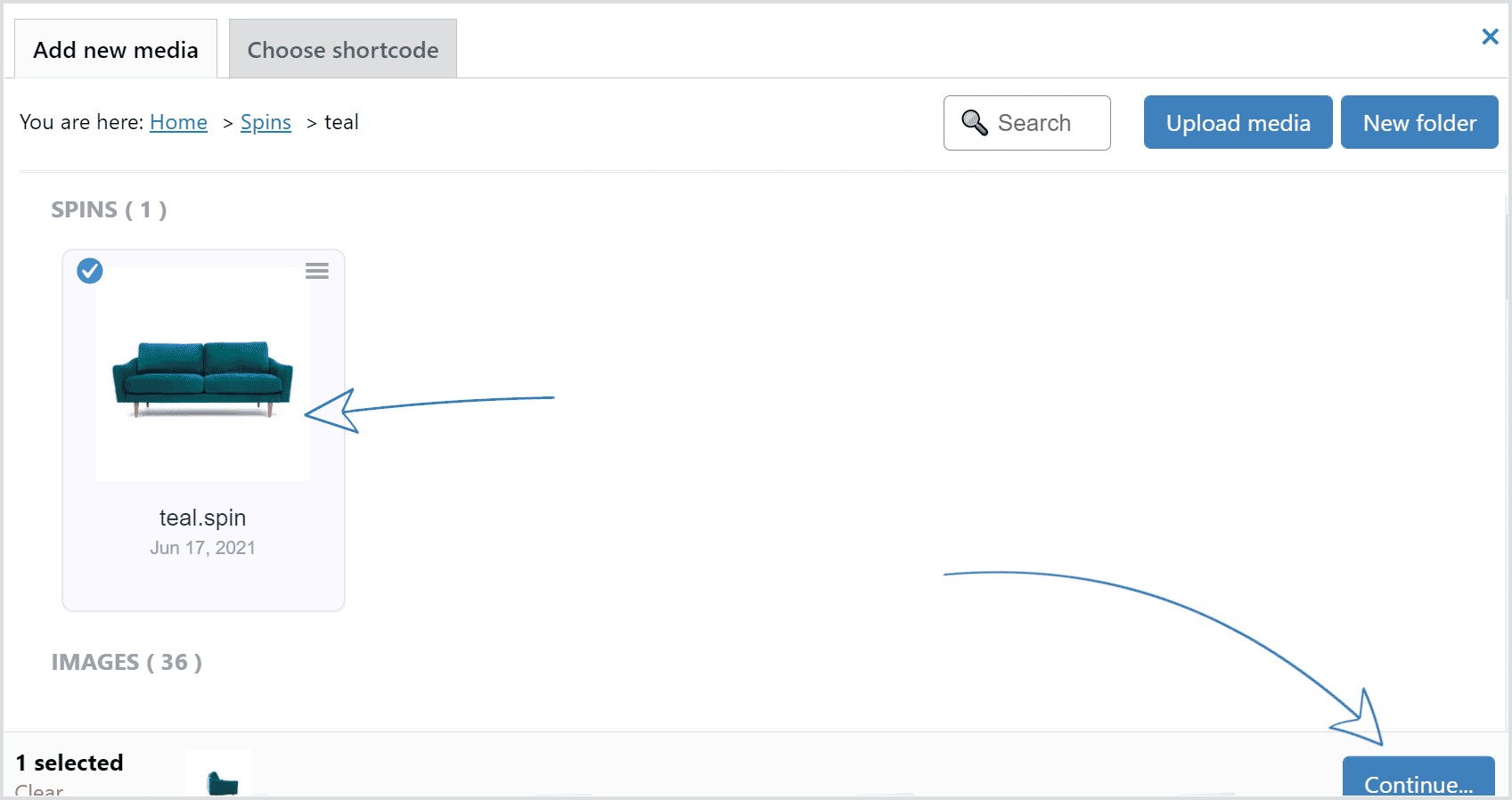
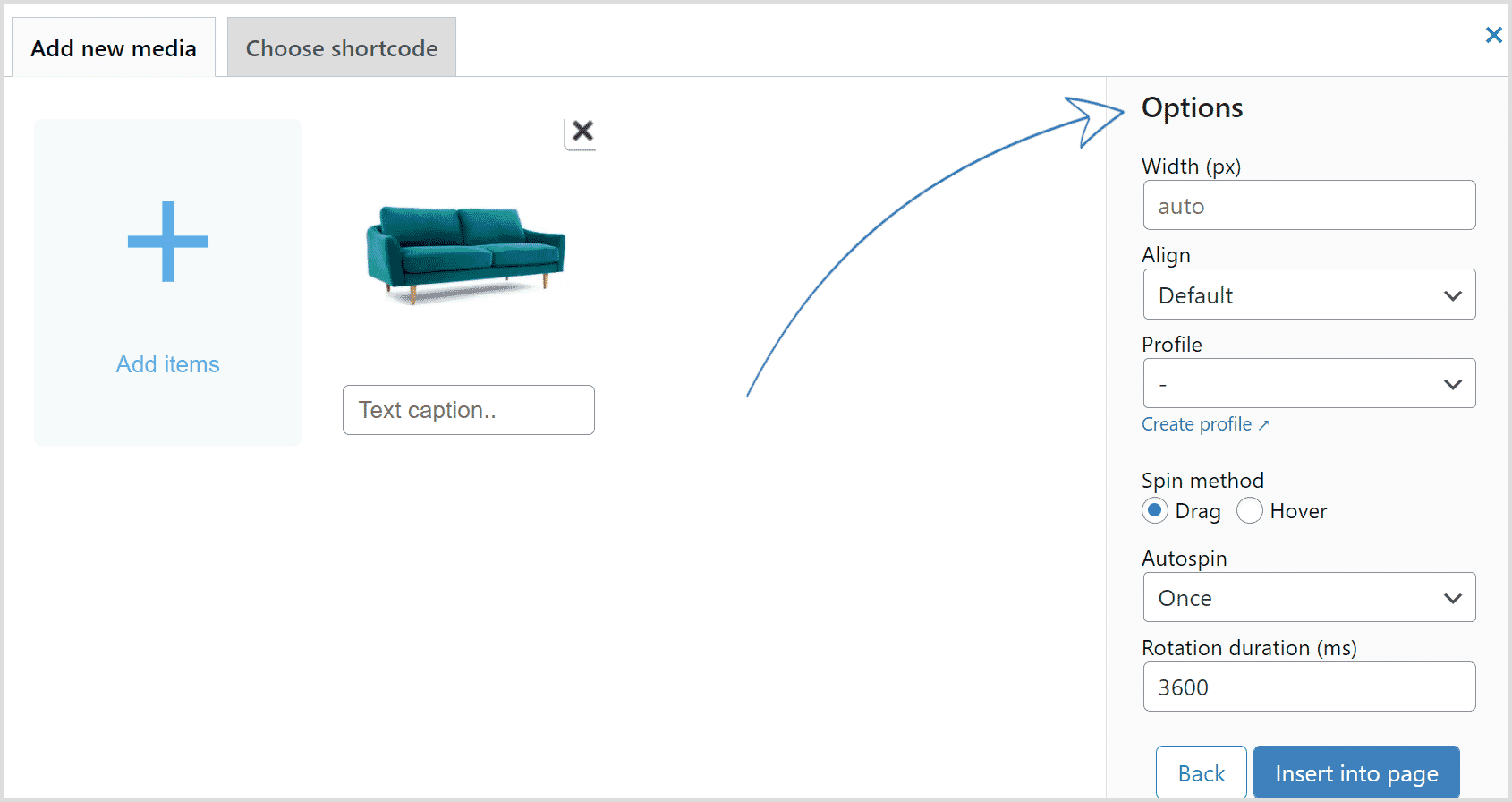
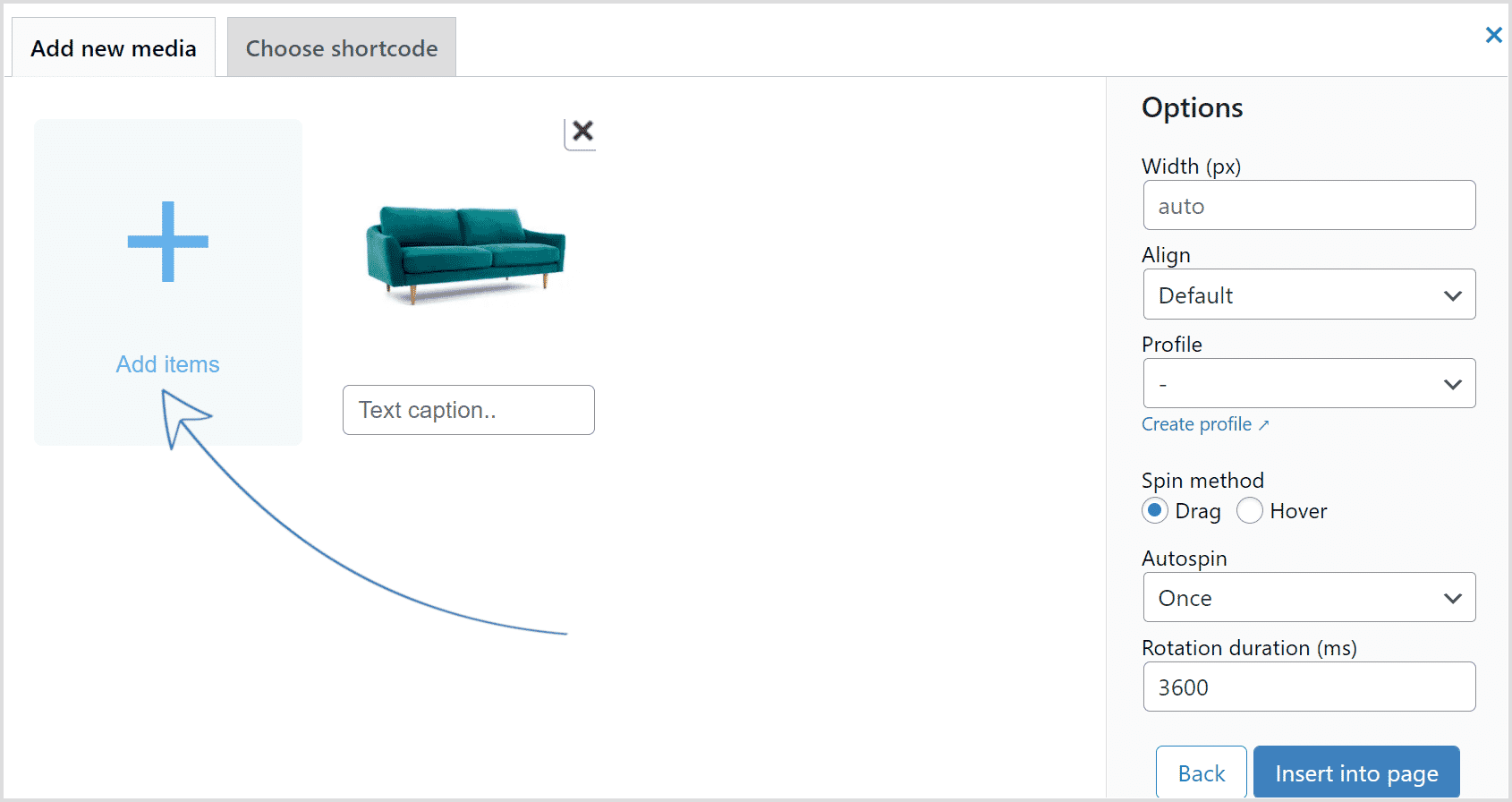
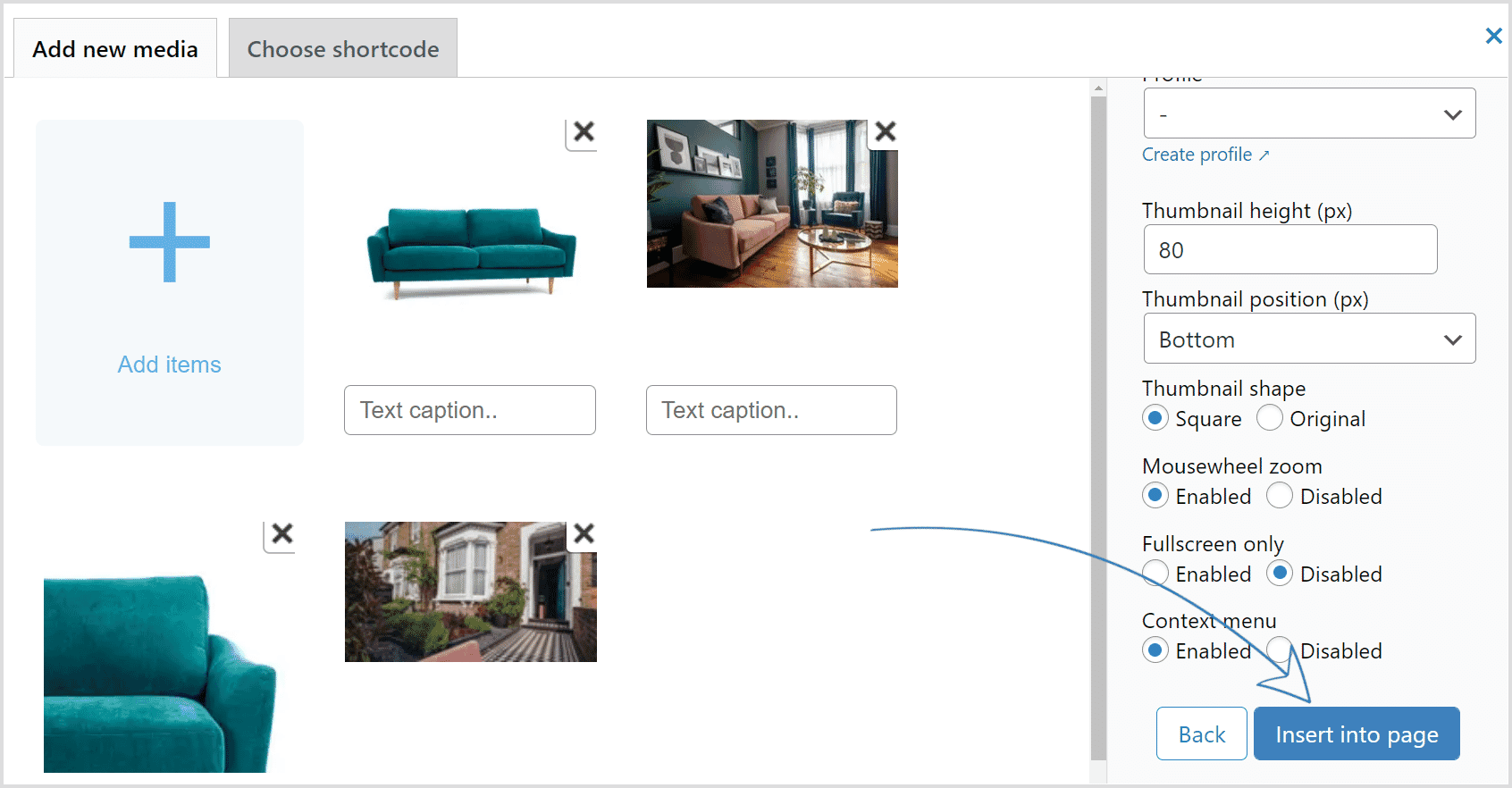
Sirv is designed to rapidly serve images, zooms, 360 spins and video streams. The steps below describe adding a 360 spin but its the same process if you want to add any other media from your Sirv account. 1. Install the Sirv WordPress plugin. 2. On your Elementor page/post, drag the 'Sirv gallery' widget into the content area:
Get help or submit ideas
We're always improving the Sirv plugin for WordPress. Please send us any questions or requests from your Sirv account.