Using Sirv on OpenCart
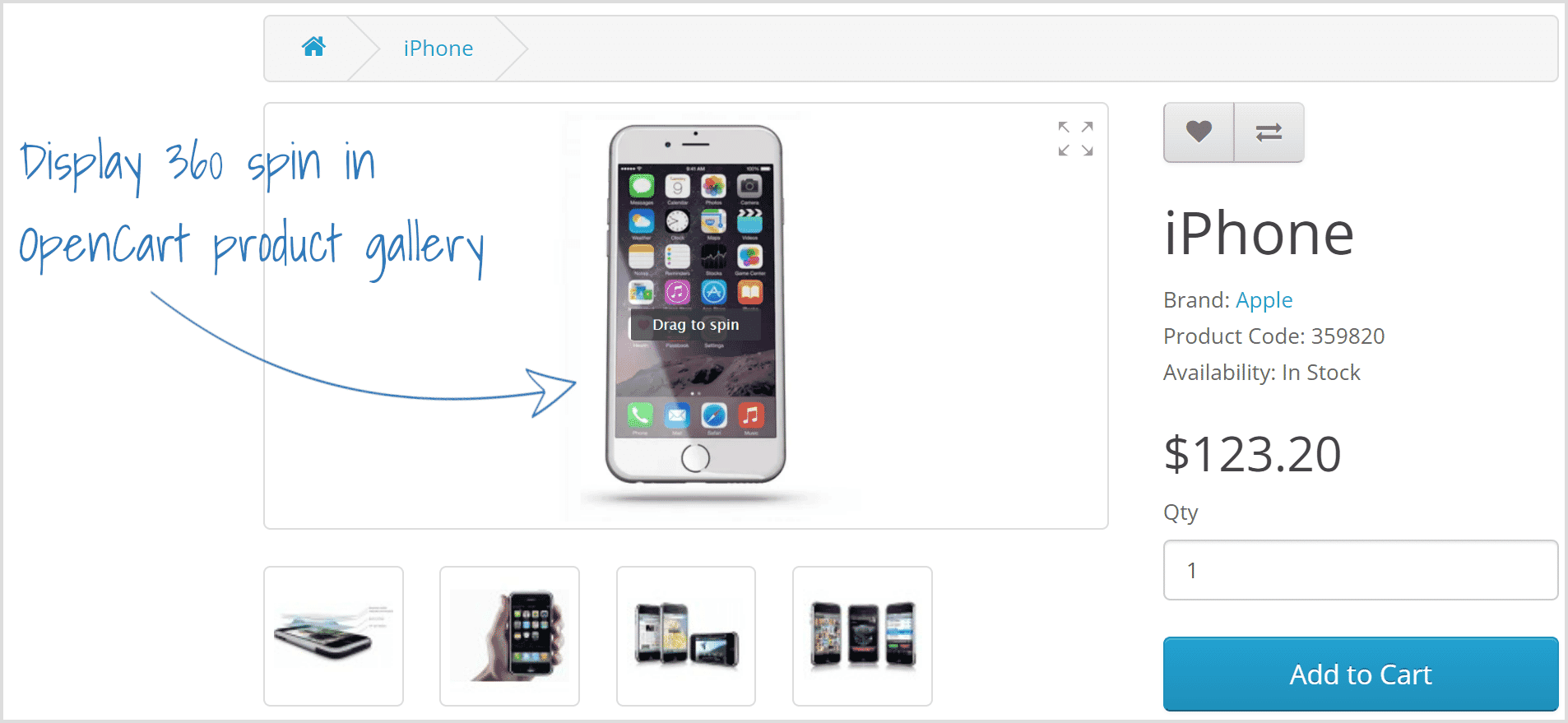
 The popular ecommerce platform OpenCart has been used by online retailers since 2010. With Sirv, you can add 360 spins to your OpenCart product page gallery. Or go one step further and replace your product gallery with Sirv Media Viewer - the modern gallery that supports 360 spins, zoomable images, videos and 3D models.
Replace gallery with Sirv Media Viewer
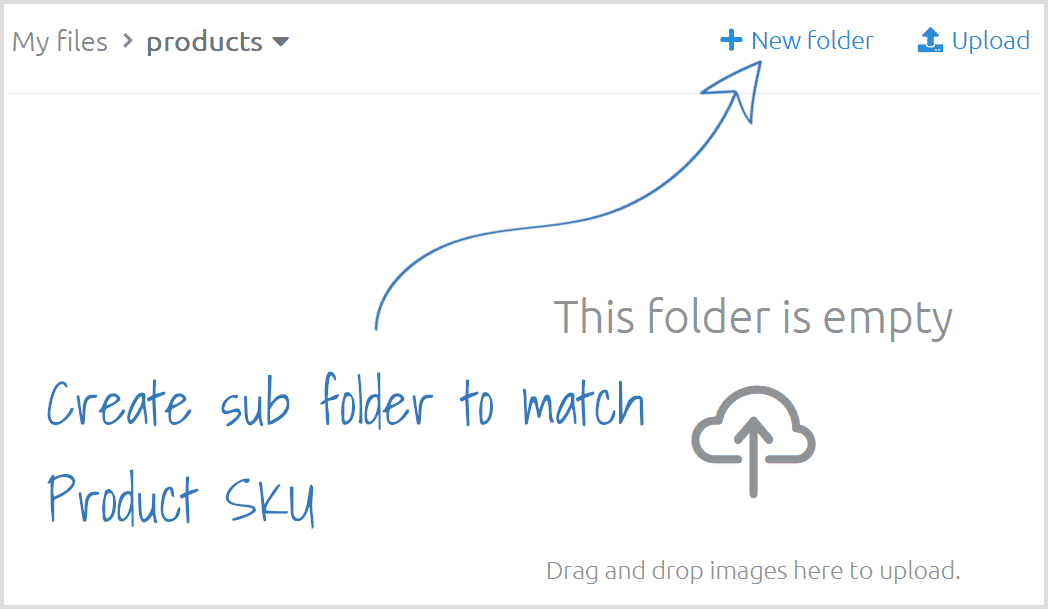
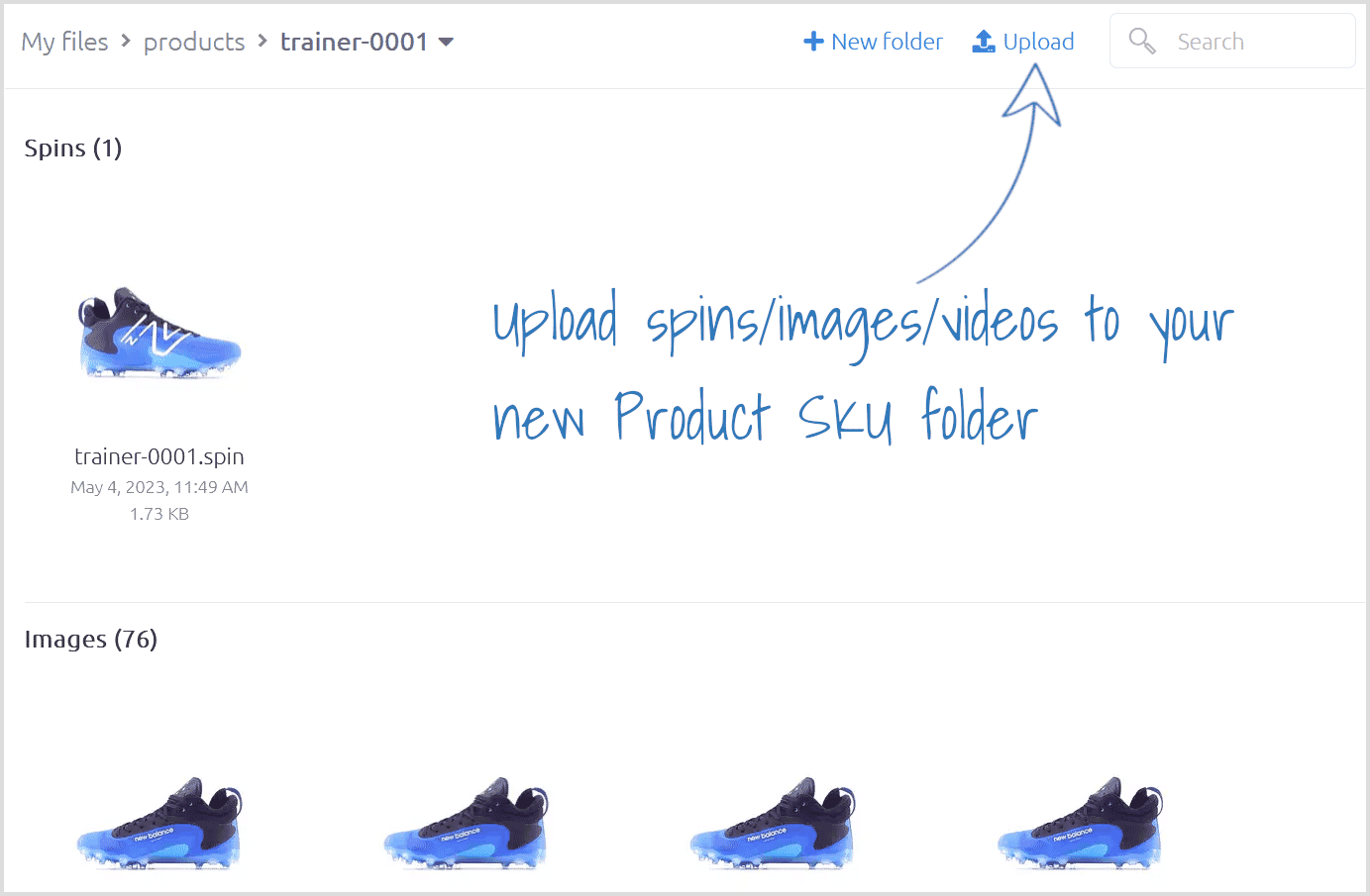
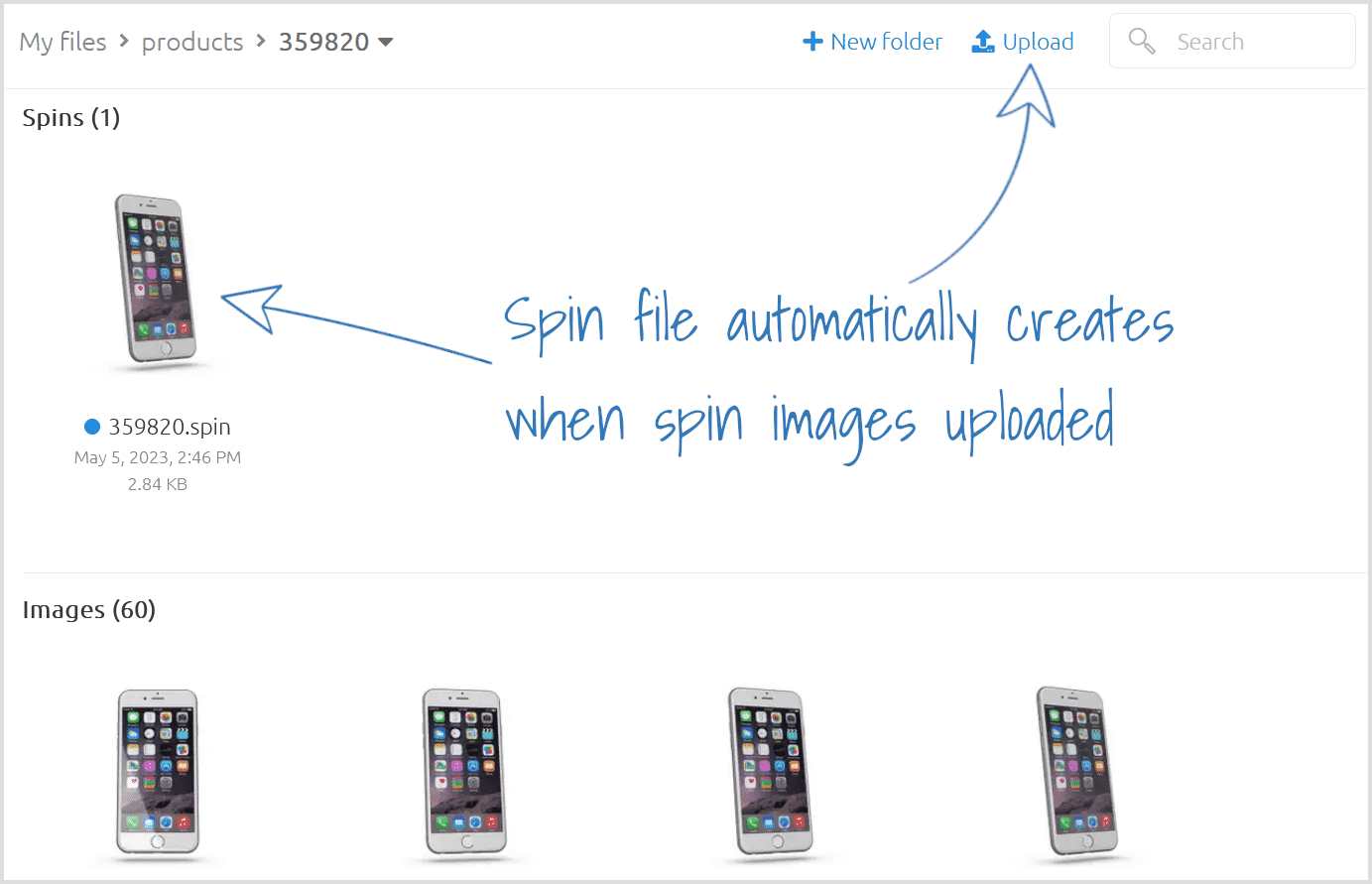
To give your users a really impressive experience, upload all your images, videos, 360 spins and 3D models to your Sirv account. Then you can replace your existing product page gallery with Sirv Media Viewer. Sirv's smart gallery feature will automatically generate a gallery of all assets in a particular folder. You just need to organize your assets into folders, named by the SKU of that product. Example gallery:
Follow the steps below to create a gallery. 1. Go to your Sirv account. 2. Create a new folder called 'products':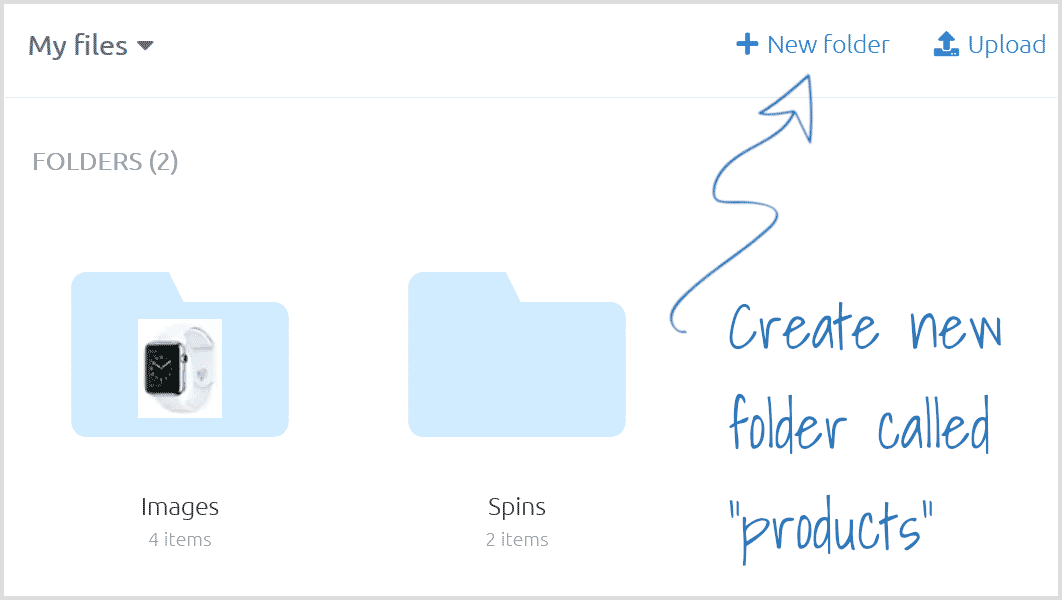
Add 360 spins to an OpenCart gallery
Alternatively, you can keep your existing OpenCart product gallery and add 360 spins to it.
Get expert help
Contact us via your Sirv account and we'll help you plan how to add 360 spins, videos or 3D models to your OpenCart gallery. We're here to help!