Using Sirv on Webflow
 Webflow is an all-in-one platform for building responsive websites, visually, right from your browser. More than 100,000 websites have been built in Webflow.
Sirv lets you add 360 spins, videos and deep-zoom images to enhance your Webflow website. They can be on their own or within a Sirv gallery.
Add a gallery to Webflow
Your gallery can contain any kind of asset - images, videos, 360 spins or 3D models. Many designs are possible, such as this:
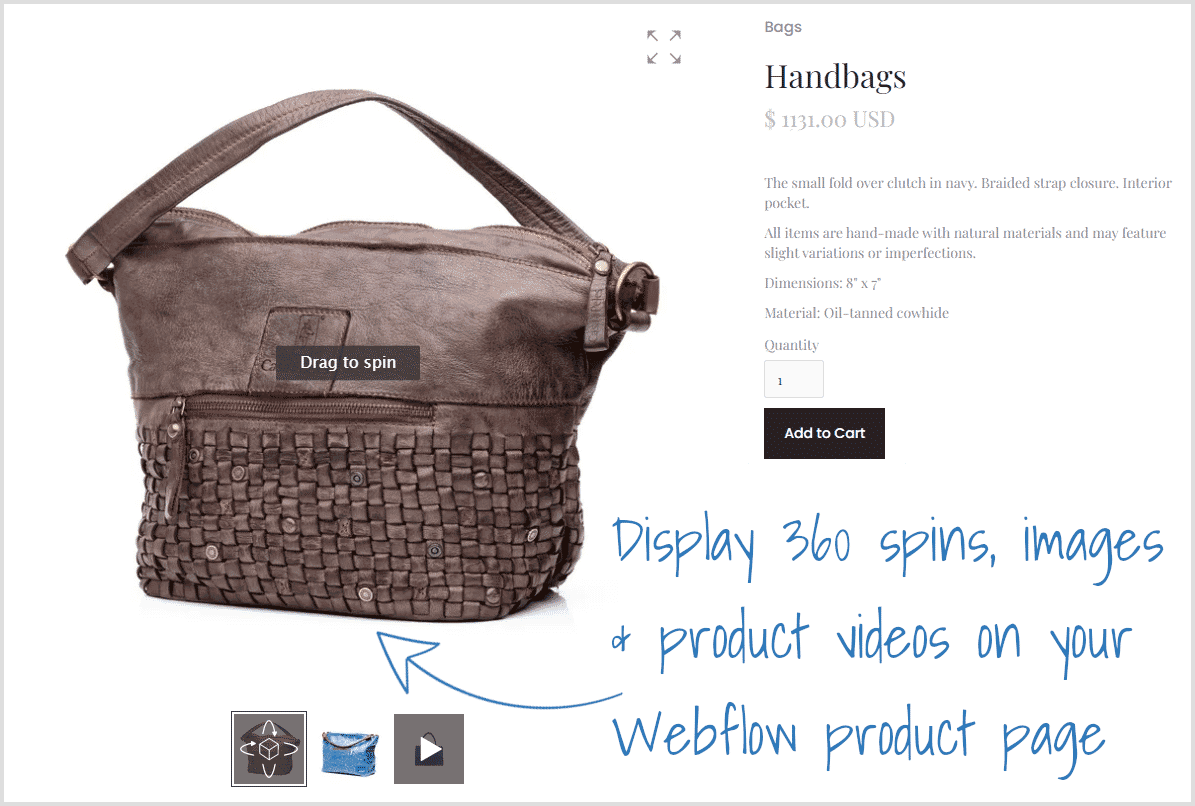
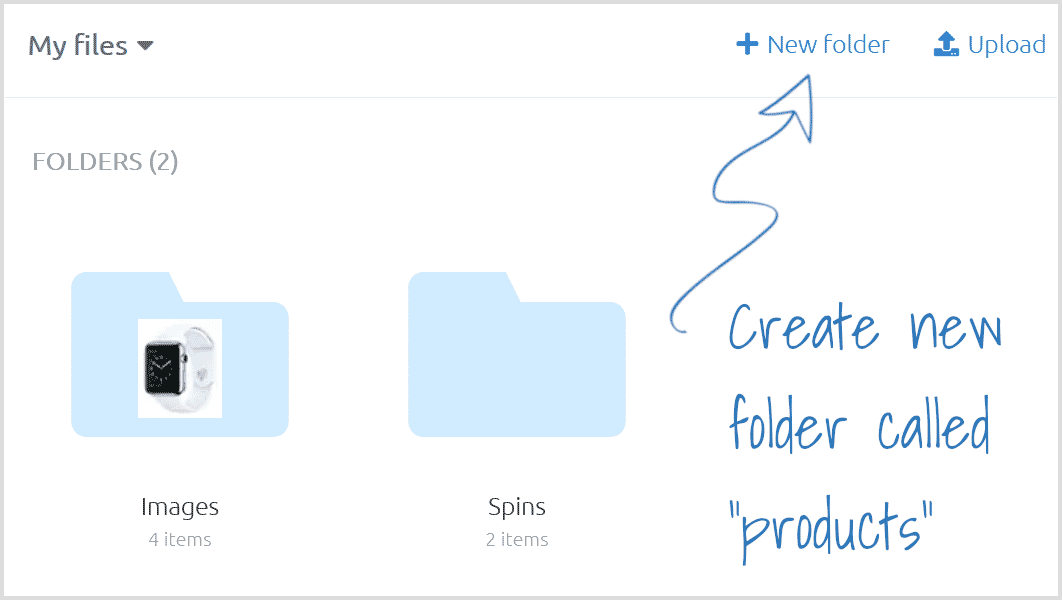
Follow the steps below to create your product gallery. 1. Go to your Sirv account. If you're new to Sirv, create a free trial account. 2. Create a new folder called 'products':
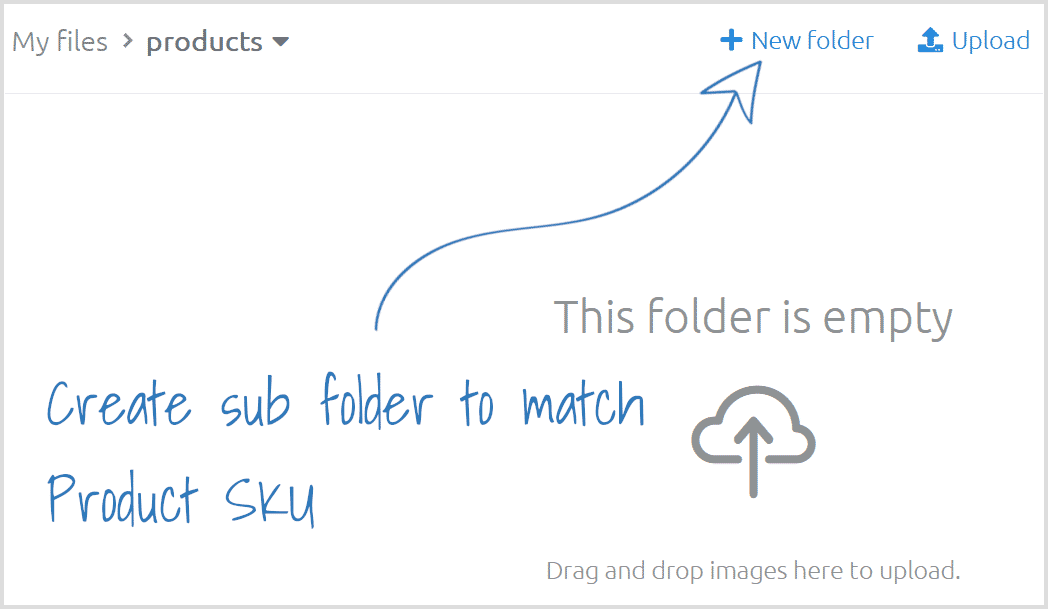
3. Within the 'products' folder, create a folder named after your product SKU e.g. handbag-0001:
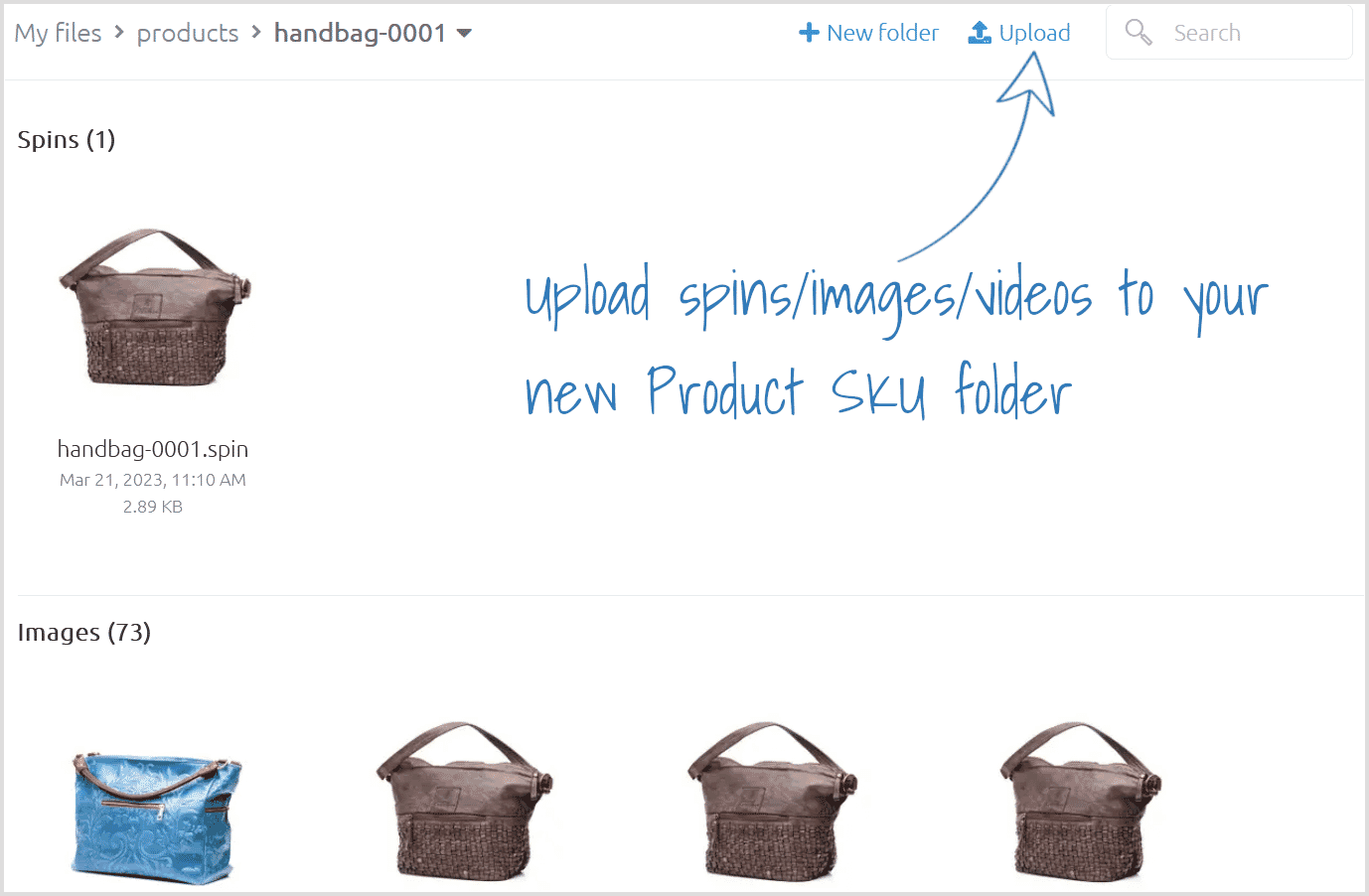
4. Upload your product assets (images, spins, video etc.) to the new Product SKU folder:
5. In Webflow, go to the "Products Template":
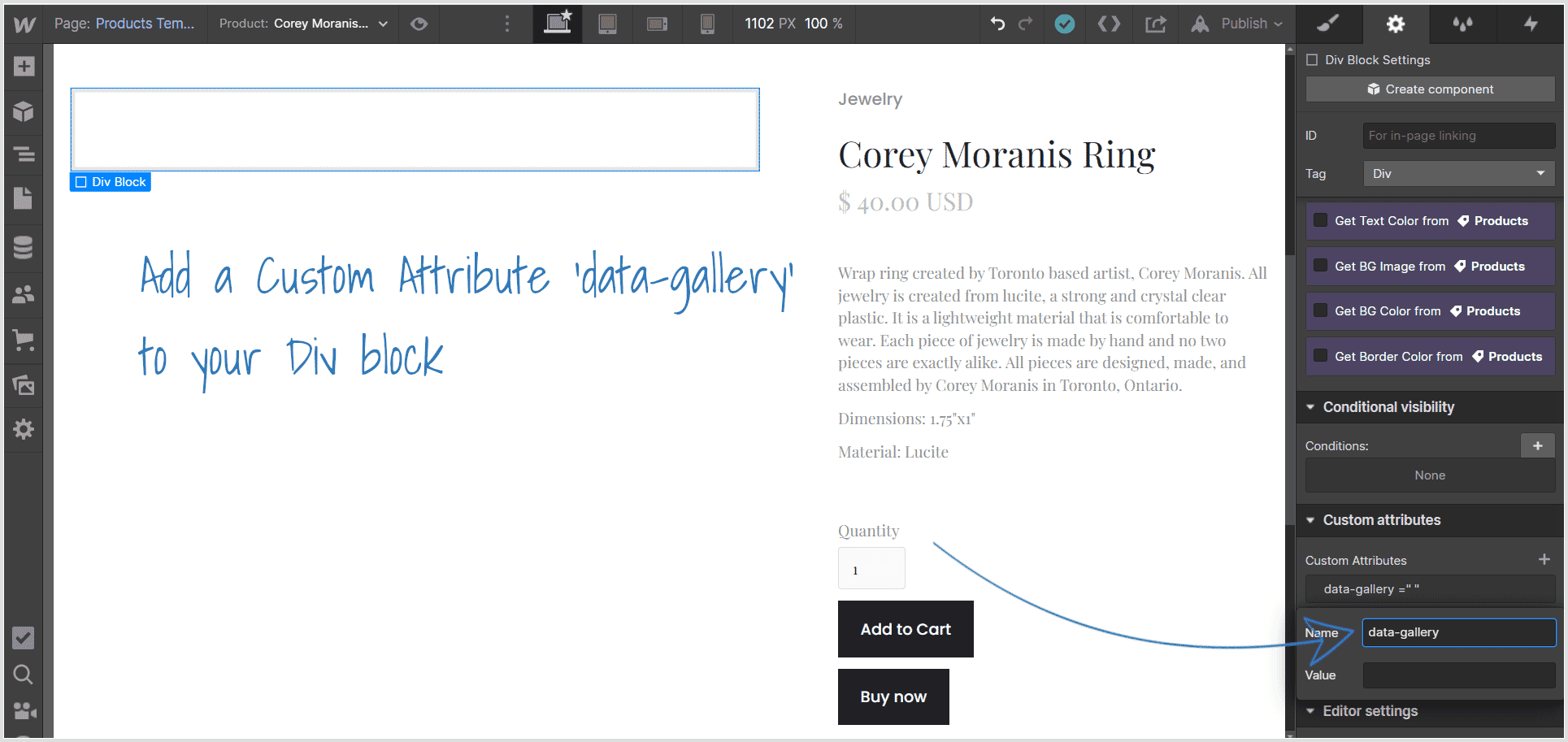
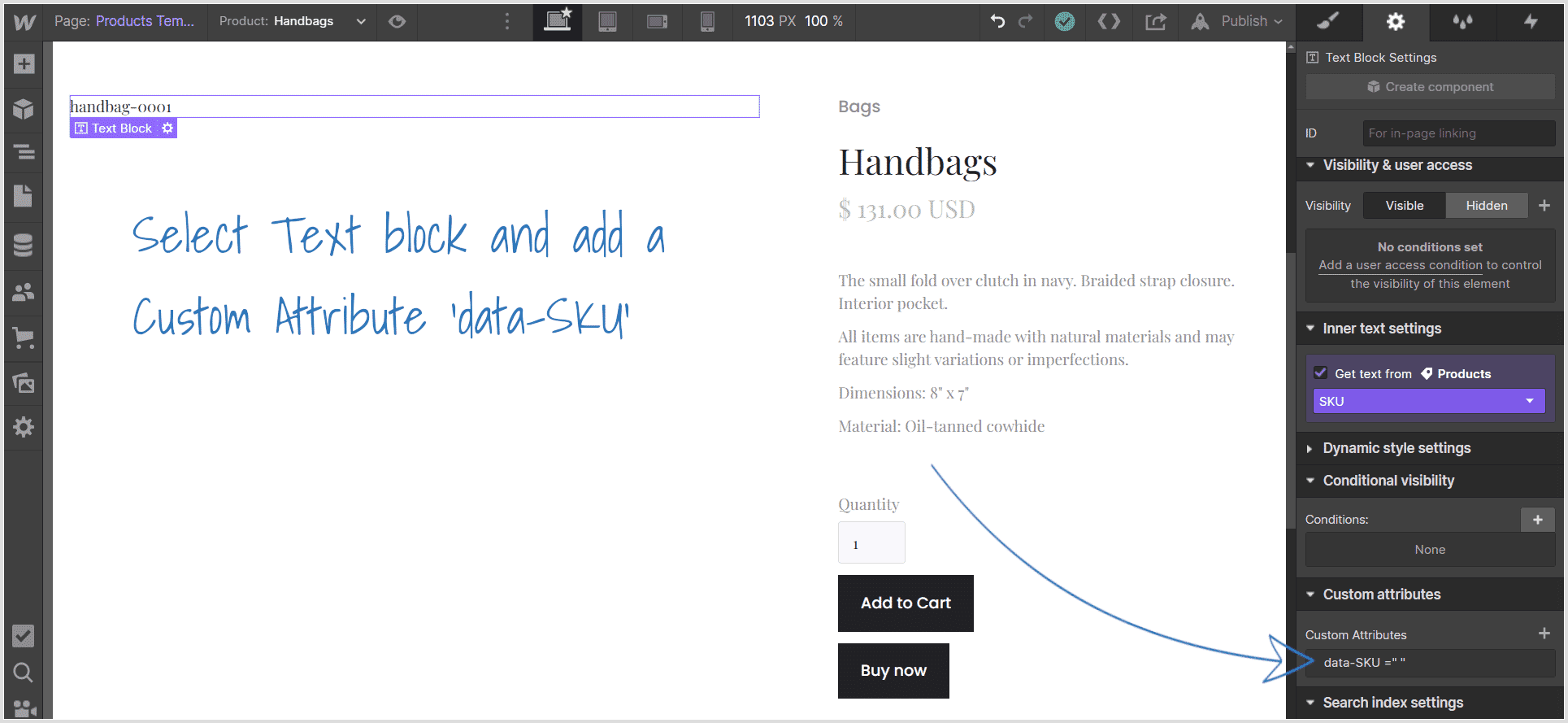
8. Drag a Text Block into your Div field:
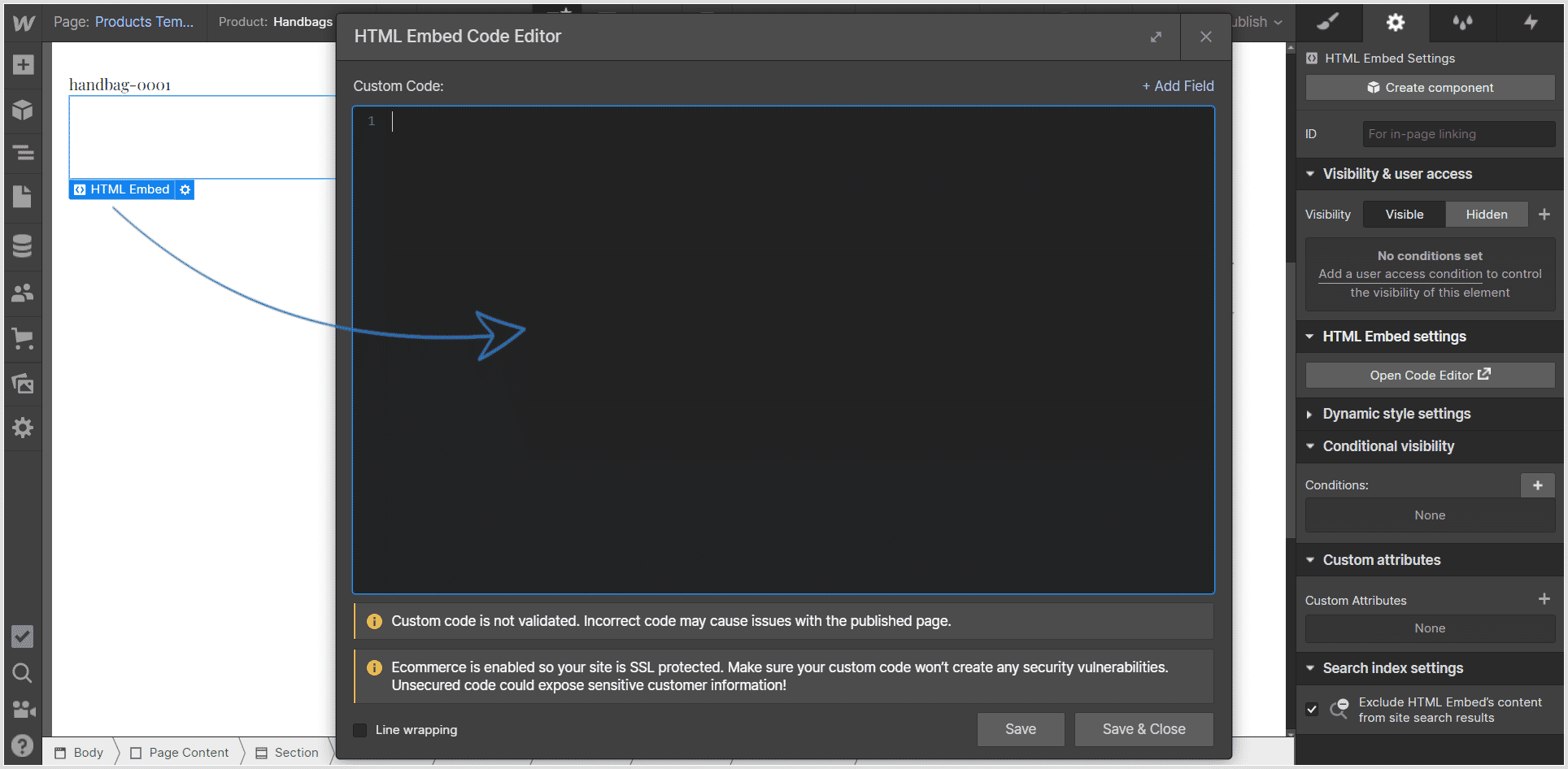
11. Add an 'Embed' element to your Div:
12. Paste the following code into the Code Editor. Within the code, change the domain https://your-sirv-account-name.sirv.com with your own Sirv domain:
<script type="text/javascript">
var $sku = document.querySelector('[data-sku]');
if ($sku) {
    $sku_text = $sku.innerHTML;
    $sku.parentNode.removeChild($sku)
    document.querySelector('[data-gallery]').innerHTML = '<div className="Sirv" data-src="https://your-sirv-account-name.sirv.com/products/' + $sku_text + '.view"></div>';
}
</script>
13. Click to 'Save & Close' and then publish your changes.
Add an image, spin or video to Webflow
It's easy to add images, videos, 3D models and spins to your other Webflow pages too. Follow these steps to add just one asset or a gallery of assets. 1. Log in to your Sirv account or create an account. 2. Upload your images, 360 spins, models or videos. 3. Right-click an asset and "Copy link". 4. Go to the Sirv Media Viewer generator and click the + icon:
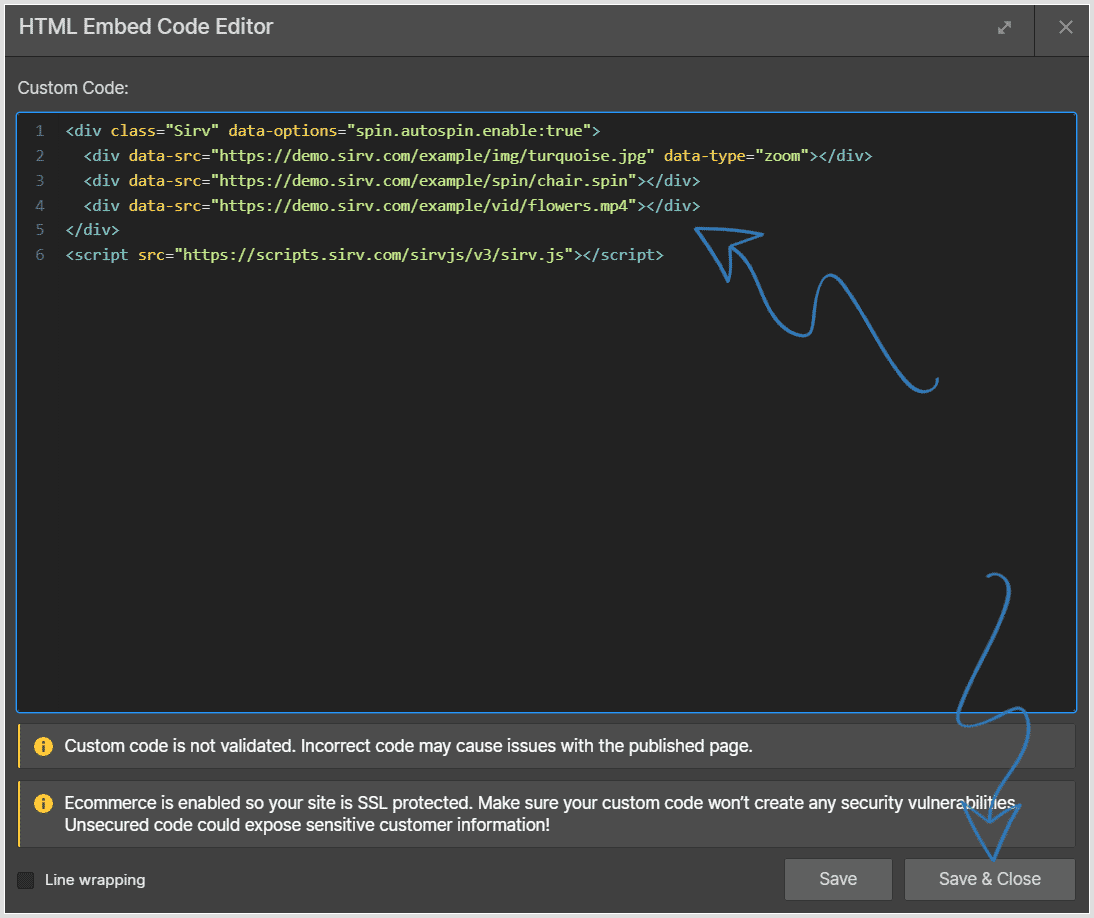
10. Publish your Webflow page to see your new interactive gallery.
Get help from Sirv
If you need any help adding images, videos, 360 spins or 3D models to your site, contact the Sirv customer success team. We're waiting to help!