Image optimization techniques applied Sirv
Sirv helps improve the speed of your website and enhances user experience by reducing the size of your images without compromising on their quality. It automatically applies multiple optimization techniques, freeing you from any manual input.
To get the best results from Sirv, we recommend uploading larger dimension files and higher quality files (not compressed) to Sirv, so that it can generate a higher quality optimized image. The ideal files for Sirv are:
- 2500-4000px width
- 92% JPEG quality or higher
Here's how Sirv can effectively downsize a really large image:
Original image
Sirv compression, resizing and optimal format applied
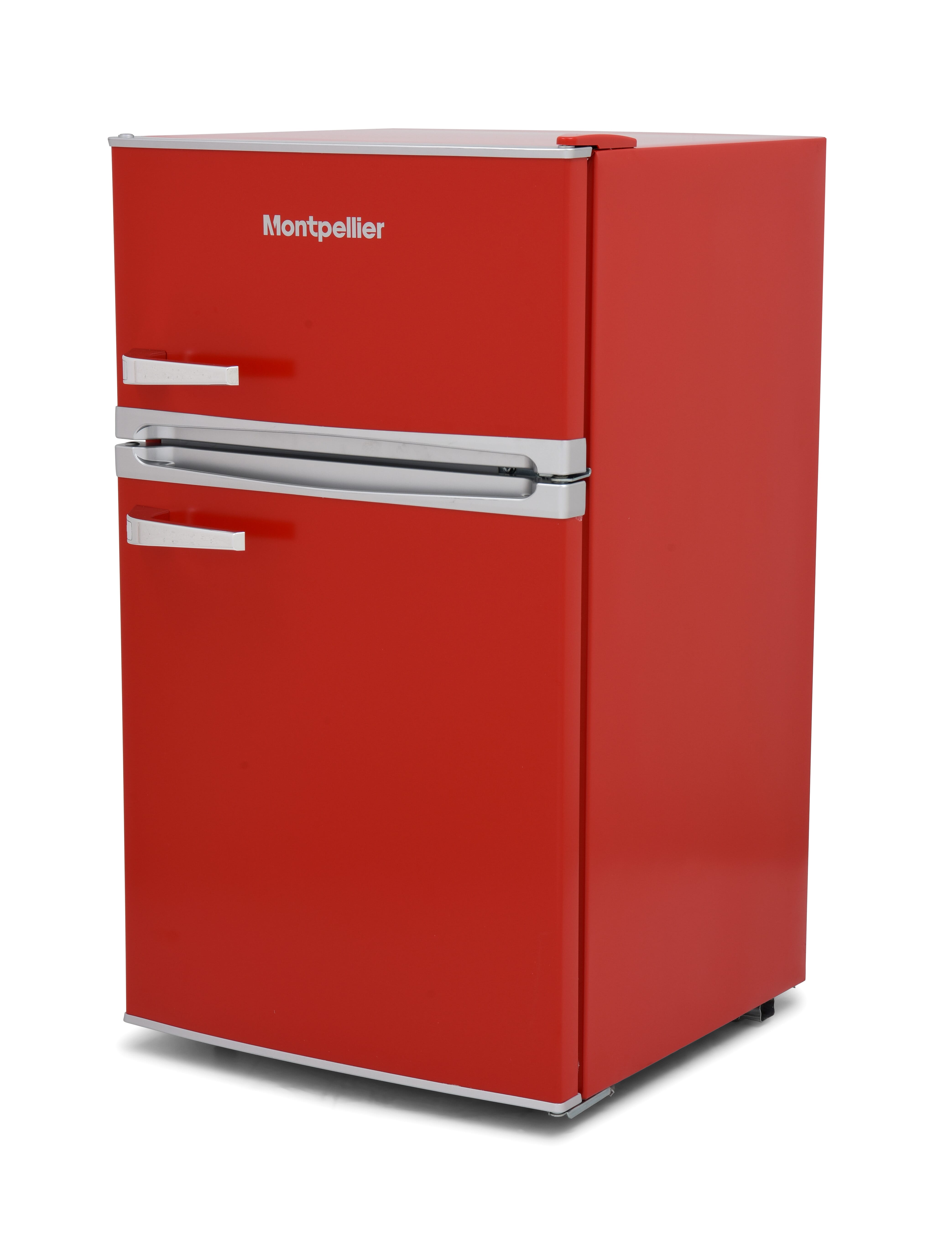
Format: JPEG Width: 4173px Size: 10.98 MB
Format: WebP Width: 600px Size: 26.4 KB
Compression
Sirv optimizes images through compression algorithms and reduces their quality to 80% by default. The quality level can be individually adjusted for each image, profile, or for the entire account.
Sharpening
Sharpening is an optimization technique which allows you to reduce a file size without applying compression, and make an image more crisp at the same time.
Compare these two images:
Image at 100% quality
Image at 100% quality and 25% sharpening applied
Format: WebP Width: 300px Size: 35.7 KB
Format: WebP Width: 300px Size: 25.6 KB
The "Quality" setting, which controls the compression level of the image, will be ignored when using image sharpening.
Metadata removal
Image metadata is text information embedded in the image file, which can include technical information such as camera settings, brand and model, creation date and location etc. Sirv removes unnecessary metadata to improve loading speed and reduce image size while maintaining quality.
Resizing
Large, high-resolution images can slow down website loading times, leading to a poor user experience. Sirv's advanced image processing algorithms automatically resize images to the appropriate size for each device, which can greatly improve page load times and overall website performance. The expected file size saving due to responsive scaling is 30-90%.
Additionally, you can manually resize images by appending parameters such as width and height to the image URL.
Serving in Optimal format
By default, Sirv automatically serves JPEG and PNG files in AVIF format, resulting in better compression and smaller file sizes. If a user's browser does not support AVIF, Sirv will serve the image in its original format.
Lazy loading
Sirv implements lazy loading, which means images are only loaded when a user scrolls to them, resulting in a significant reduction of 30-70% in the initial amount of data that needs to be loaded.
Caching
Sirv utilizes caching to store images in a user's browser, so they don't need to be downloaded each time the page is visited. The duration for browser cache lifetime can be set anywhere between 1 hour and 1 year.
It is worth mentioning that effective image SEO optimization requires the use of descriptive and meaningful ALT tags. Sirv simplifies this process by automatically adding ALT tags and allowing users to add ALT text to images hosted at Sirv.
Supported image formats
Sirv automatically applies optimization to multiple image formats, including:
- JPEG
- PNG
- WebP
- GIF
- SVG
Raster images: JPEG, PNG
Raster files are made up of pixels which can form highly detailed images such as photographs. However, resizing them can result in a loss of image quality. That's why special compression algorithms are required to reduce the size of raster files while preserving their quality.
Let's see how Sirv can effectively reduce the size of a PNG image:
Original PNG
Sirv compression, resizing and optimal format applied
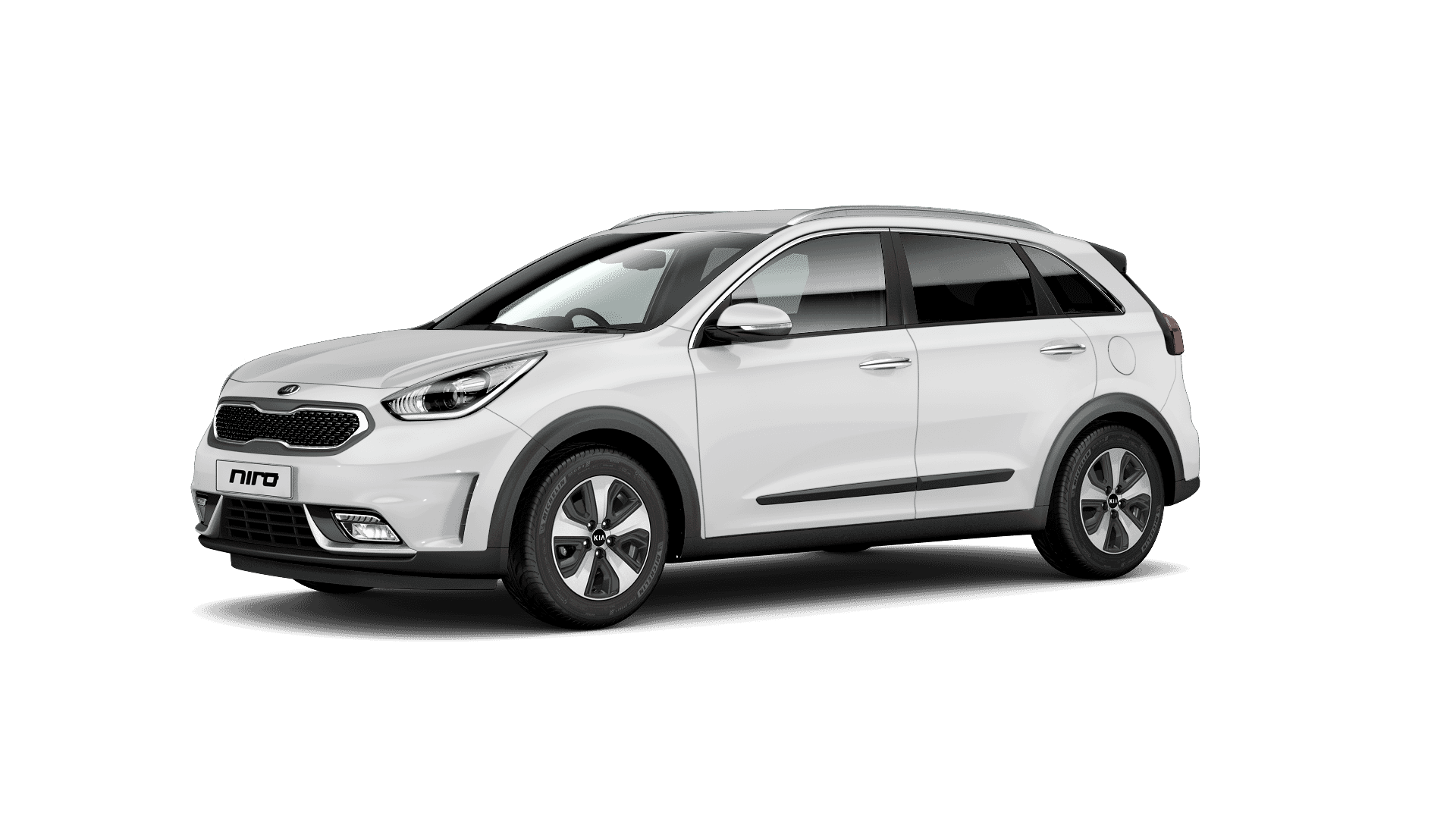
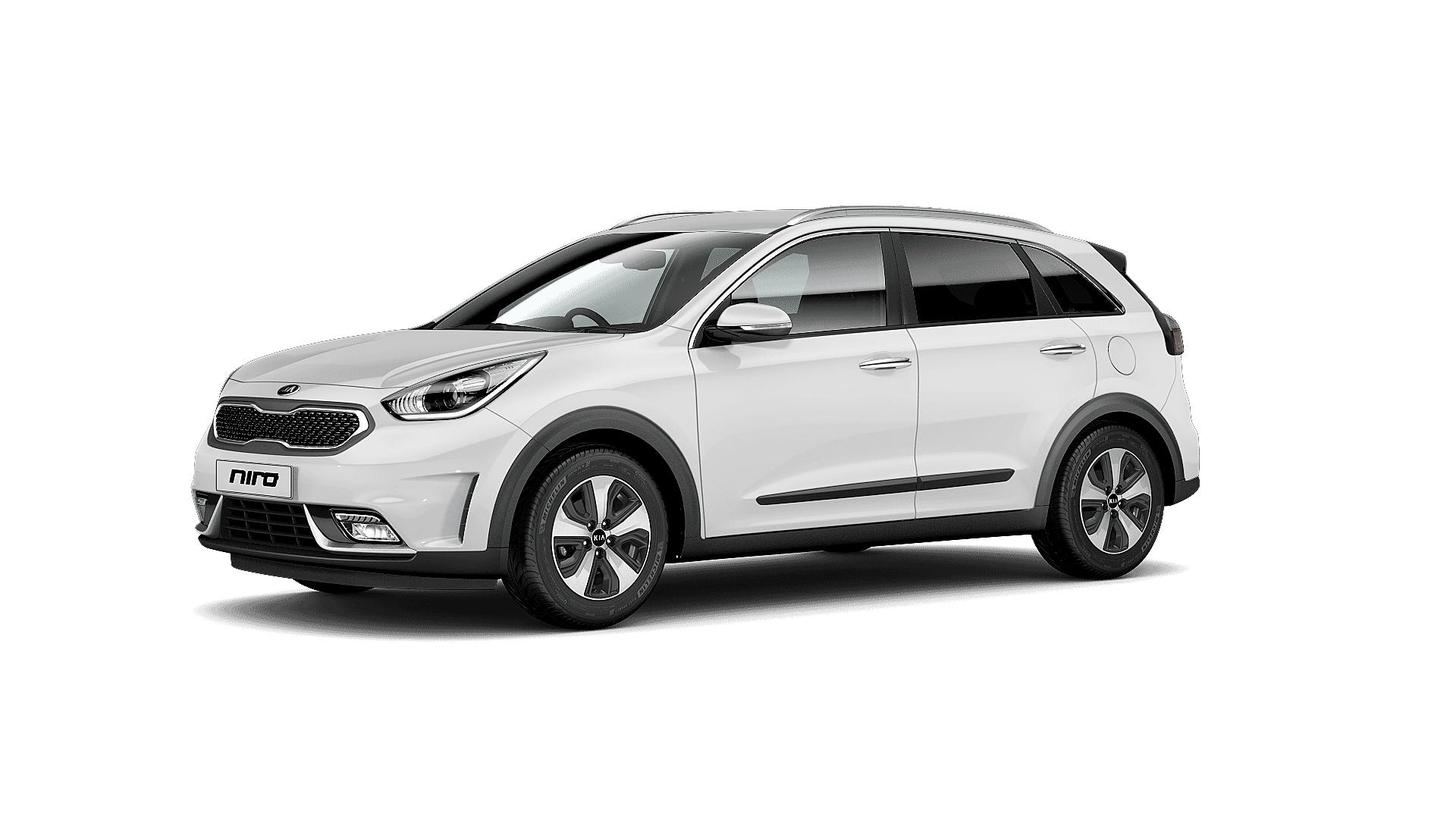
Format: PNG Width: 1920px Size: 868 KB
Format: WebP Width: 300px Size: 6.2 KB
Unlike PNGs, JPEG images have smaller file sizes and contain less data. Even so, Sirv can optimize JPEG files and reduce their size by 12-90% by applying compression and serving them in the WebP format.
SVG minification
Unlike raster formats such as PNG or JPEG, SVG is an XML-based vector format, so Sirv doesn't apply resizing or other dynamic imaging operations for these images. Instead, Sirv minifies SVGs, which typically results in a file size reduction of 19-38%:
Original SVG
Sirv SVG minification


Format: SVG Size: 27.1 KB
Format: SVG Size: 15.1 KB
However, if an SVG has already been optimized before being uploaded to Sirv, it may not see further size reduction.
Other file formats: PSD, TIFF, EPS, PDF, AI
- PSD, TIFF, EPS by default are served as optimized WebP images. Sirv allows to serve files in original format or as JPEG/PNG.
- PDF, AI by default are served as PDF files. However, they can be converted into images such as WebP/JPEG/PNG and benefit from Sirv optimization.
Sirv is capable of storing and serving a variety of file formats. Please refer to the list of supported file formats for more information.
Sirv CDN: efficient image delivery
While image optimization is crucial for performance, delivering those images quickly across the globe is just as important. Sirv uses a powerful CDN to ensure your images are served from the closest data center to your users. This minimizes latency and accelerates load times, regardless of their location. Key benefits of Sirv's CDN: Global reach: Your images are cached and delivered from multiple locations worldwide, ensuring fast access for users in different regions. Reduced server load: By offloading image delivery to the CDN, your server experiences less strain, improving overall website performance. Automatic caching and purging: Frequently accessed images are cached for quicker load times, while changes to images are instantly reflected thanks to automatic cache purging. Security and reliability: CDN delivery enhances security by mitigating DDoS attacks and ensuring high availability through multiple redundant servers. By leveraging Sirv's CDN along with its image optimization techniques, you can dramatically improve website speed, enhance user experience, and reduce bandwidth costs.
Image optimization insights
When optimizing images on your website, it's crucial to consider more than just compression.
Here are the most critical factors to consider:
- Lazy loading: With lazy loading, images are only loaded when they're needed. By implementing this technique, you can expect to see a 30-70% reduction in initial data load.
- Responsive scaling: Serving images in the correct size based on the device being used is known as responsive scaling. This can lead to savings of 30-60%.
- Optimization and next-gen formats: Image optimization and newer file formats such as WebP makes the image as small as possible, resulting in savings of 30-50%.
By combining all three of these techniques, you can maximize your file size savings. By using Sirv's optimization tools, a typical ecommerce website that hasn't been well optimized can expect to see a 66% reduction in bandwidth usage.
Therefore, it's crucial not to overlook lazy loading, responsive scaling, and optimization with next-gen formats while optimizing your images. Implementing all these techniques together will significantly improve your website's performance and provide a better user experience for your visitors.